
How to Use 2FA to Protect Your Wallet
Compare SMS, authenticator apps, and hardware keys for crypto wallet 2FA; learn setup steps, backup-code storage, and best practices to prevent hacks.

Want to secure your cryptocurrency wallet? Two-factor authentication (2FA) is your best defense. Even if someone steals your password, 2FA adds a second layer of protection, making it much harder for anyone to access your funds. Here’s what you need to know:
- What is 2FA? It’s a security method requiring two steps to log in: something you know (password) and something you have (like a code from your phone or a hardware key).
- Why does it matter? Crypto wallets are prime targets for hackers. 2FA can block 99% of hacking attempts.
- Best options for 2FA:
- Authenticator apps (like Google Authenticator): Safer than SMS, resistant to SIM-swapping.
- Hardware keys (like YubiKey): The most secure, phishing-resistant option.
- Avoid SMS-based 2FA: Vulnerable to SIM-swapping and interception.
Quick Setup Tips:
- Go to your wallet’s security settings and enable 2FA.
- Use an authenticator app or hardware key for stronger protection.
- Save your backup codes securely to avoid lockouts.
Pro Tip: Use 2FA for all critical actions, like withdrawals or address changes, and always store backup codes in a safe place. Protecting your wallet with 2FA is simple but essential for keeping your assets safe.
Types of 2FA for Crypto Wallets

2FA Methods Comparison: Security Levels and Features for Crypto Wallets
When it comes to securing your crypto wallet, two-factor authentication (2FA) provides an added layer of protection. However, not all 2FA methods are created equal. Each has its own strengths and weaknesses, so understanding them can help you choose the best option for your needs.
SMS-Based 2FA
SMS-based 2FA works by sending a one-time code to your phone via text message. After entering your password, you input this code to gain access to your account. It's simple and convenient - you don’t need to install additional apps or buy extra devices. However, this ease of use comes at a cost.
The major risk with SMS-based 2FA is SIM swapping. Attackers can trick your mobile carrier into transferring your phone number to a new SIM card, allowing them to intercept your codes. This makes SMS one of the least secure options for cryptocurrency wallets.
"SMS-based 2FA is considered to be less secure for crypto due to SIM swapping and phishing attacks." - OKX Wallet
If you're looking for stronger protection, consider using an authenticator app instead.
Authenticator Apps
Authenticator apps, such as Google Authenticator or Authy, generate time-based one-time passwords (TOTP) on your smartphone. These 6-digit codes refresh every 30 seconds and work offline, making them much harder to intercept compared to SMS codes. To set it up, you simply scan a QR code, and the app starts generating codes for your account.
Since the codes are generated locally on your device, this method is resistant to SIM swapping. However, it’s not completely foolproof. Attackers can still use phishing tactics to trick you into entering codes on fake websites.
"2FA prevents unauthorised access to your wallet even if someone obtains your password, as they will also need your 2FA code." - Blockchain.com
For even greater security, you might want to explore hardware security keys.
Hardware Security Keys
Hardware security keys, like YubiKey, offer the highest level of protection. These are physical devices that you either plug into your computer or tap against your phone to authenticate. They rely on cryptographic protocols like FIDO2/WebAuthn, ensuring they work only on legitimate websites. This makes them inherently resistant to phishing attacks.
The biggest downside? Cost and the risk of losing the device. To mitigate this, experts recommend registering at least two keys - one for daily use and another as a backup stored in a safe location.
"Hardware tokens are considered one of the most secure forms of 2FA, as they are not vulnerable to hacking or interception." - Nic Tse, Managing Editor, Crypto.com
Comparison Table
Here’s a side-by-side look at how these methods stack up in terms of security, ease of setup, and other factors:
| Method | Security Level | Setup Ease | Pros | Cons |
|---|---|---|---|---|
| SMS-Based | Low | Very Easy | No extra apps needed; works on any phone | Vulnerable to SIM swapping and interception |
| Authenticator Apps | Medium-High | Easy | Works offline; resistant to SIM swapping; free | Risk of phishing; potential phone loss |
| Hardware Keys | Highest | Moderate | Phishing-resistant; requires physical touch | Upfront cost; risk of losing the device; limited support on older devices |
sbb-itb-0796ce6
How to Set Up 2FA for Your Crypto Wallet
Step-by-Step Setup Process
First, log in to your crypto wallet and navigate to the Settings or Security section. Look for an option labeled "Enable Two-Factor Authentication" and select it. A QR code will appear on your screen.
Next, open an authenticator app like Google Authenticator or Authy and use it to scan the QR code. This will link the app to your account, enabling it to generate 6-digit codes that refresh every 30 seconds. Be sure to save the secret key displayed during this process - either by taking a screenshot or writing it down. This key is essential if you lose access to your primary device.
After scanning the QR code, the platform will prompt you to enter one of the 6-digit codes from your app to confirm the setup. Once verified, you'll receive backup codes, which are typically 8 to 10 unique strings. These codes are your safety net in case you lose access to your authenticator app. Store them securely in both digital (encrypted) and physical forms.
"Two-factor is probably one of the best and most simple measures you can take to secure your account." - Thomas DeMichele, Author, CryptocurrencyFacts
Finally, test your setup by logging out and then logging back in. The system should now require a 2FA code in addition to your password. If your codes aren’t being accepted, check that your device’s time settings are set to "Automatic", as time mismatches can cause errors. Before finishing, double-check that your backup codes are safely stored.
Why You Need to Save Backup Codes
Backup codes are your lifeline if your primary 2FA device is ever lost, stolen, or damaged. Without them, you could face permanent account lockout. While some platforms offer recovery through customer support, the process can take days and often requires sensitive personal documents.
Using a backup code allows you to regain access instantly, bypassing the hassle of support tickets. Keep in mind, though, that these codes are usually single-use - once you use one, it becomes invalid. On certain platforms, using a backup code might also disable 2FA, so you’ll need to re-enable it right away.
"Save your backup code to a secure location. If you ever lose access to your device, you can use this code to verify your identity." - MetaMask/Infura
For secure storage, consider multiple formats. Save a digital copy in an encrypted password manager and keep a physical copy in a safe or lockbox. Avoid storing them as unencrypted screenshots or photos, as these can be synced to cloud services, making them vulnerable to interception. For extra safety, you can scan the QR code with two devices - like a phone and a tablet - at the same time. This way, you’ll have an immediate hardware backup in case one device fails.
Best Practices for Using 2FA with Crypto Wallets
Strengthening your crypto wallet's security goes beyond setting up two-factor authentication (2FA). These practices can help you maintain a higher level of protection over time.
Enable 2FA for Sensitive Actions
Apply 2FA to all high-risk actions in your wallet, like withdrawals, fiat transfers, sending crypto, or changing address whitelists. This adds an extra security layer to functions that could expose or move your funds. Many platforms let you customize which actions require 2FA, so take the time to review these options and secure any critical functions.
In addition to 2FA, consider enabling withdrawal whitelisting. This feature limits outgoing transfers to pre-approved addresses, making it harder for attackers to drain your wallet even if they bypass other safeguards. Setting withdrawal limits below the platform's maximum can also help minimize potential losses if your account is compromised. Another smart move? Enable notifications for new logins, changes to security settings, and withdrawal requests. These alerts can give you an early warning of unauthorized activity, which is often crucial for stopping an attack in its tracks.
Use Authenticator Apps Over SMS
Authenticator apps are a safer alternative to SMS-based 2FA, which is vulnerable to SIM-swapping and phishing attacks. SMS codes can also be intercepted through network vulnerabilities, making them one of the least secure options.
"SMS-based 2FA is considered to be less secure for crypto due to SIM swapping and phishing attacks." - OKX Wallet
Apps like Google Authenticator or Authy generate time-based one-time passwords (TOTP) directly on your device. These codes refresh every 30 seconds, work offline, and are immune to interception over cellular networks. For even greater security, consider using hardware security keys like YubiKey. These keys offer strong resistance to phishing because they don't store credentials on networked devices. If SMS is your only option, contact your mobile carrier to add a port-out lock or a high-security PIN to your account for extra protection.
Store Backup Codes Securely
Backup codes are your safety net if you lose access to your primary 2FA method, so store them carefully. Use an encrypted password manager for digital copies and keep a physical copy in a secure location. Avoid storing codes in unencrypted formats, like screenshots, to prevent unauthorized access.
For long-term storage, you might want to use fire-resistant and durable materials like stainless steel or titanium recovery kits to safeguard your codes against physical damage. Keep backup hardware keys or physical recovery codes in a separate location from your main device to avoid losing everything in a single incident, like a fire or theft. It’s also a good idea to periodically test your recovery methods on a secondary device to ensure they work when you need them most.
Using 2FA with Platforms Like Kryptonim
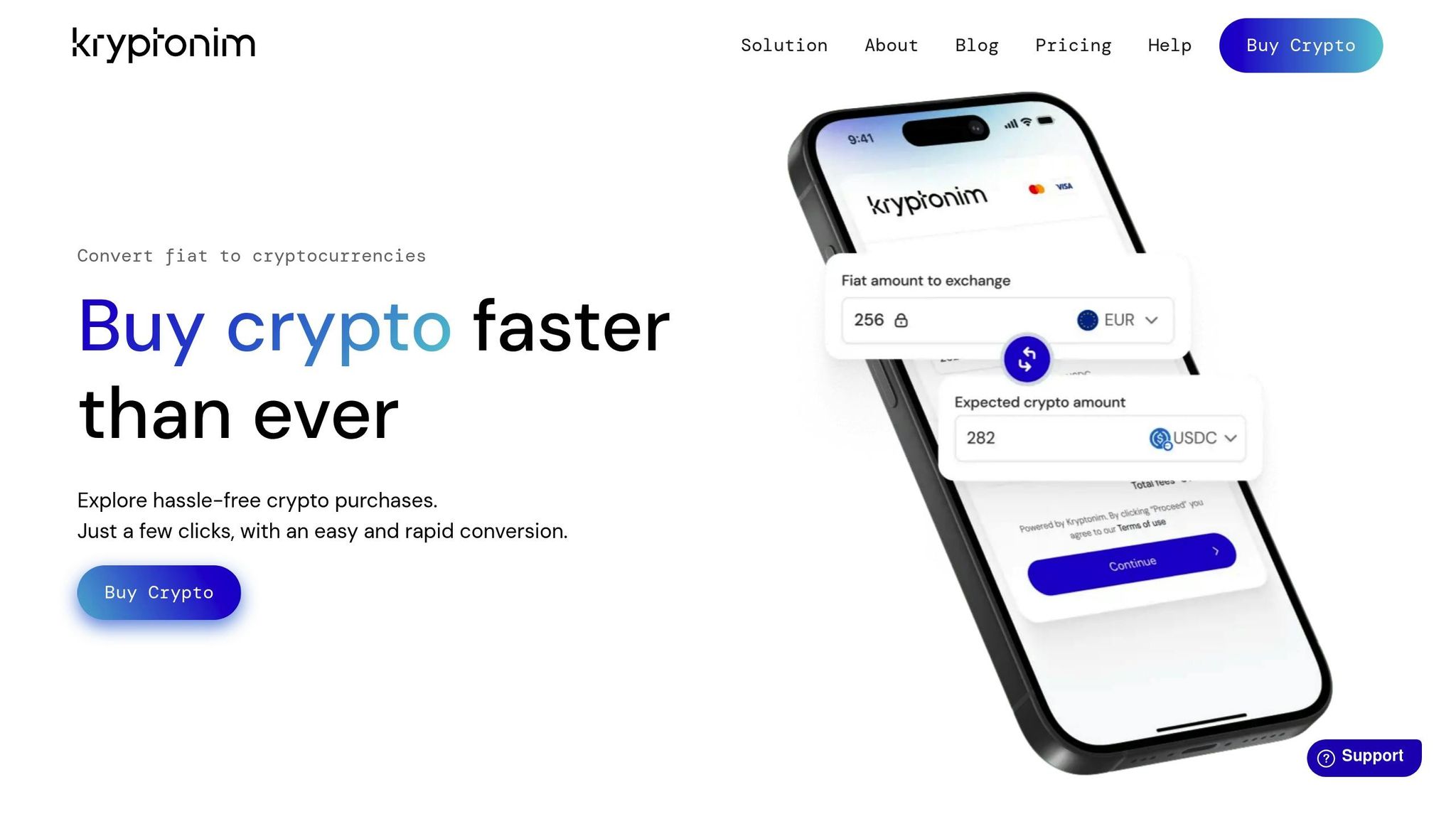
Unlike traditional crypto wallets that require internal 2FA setups, Kryptonim takes a different approach by relying on your payment method and external wallet for security. As a no-account platform, Kryptonim secures each transaction individually, focusing on protecting your external wallet rather than maintaining an ongoing login.
Setting Up 2FA on Kryptonim
Since Kryptonim operates without user accounts, enabling 2FA directly within the platform isn't an option. Instead, security is handled at two key points: your payment method and your external wallet. When purchasing crypto with a credit or debit card, 3D Secure technology - used by Visa and MasterCard - adds a protective layer through your bank's app or SMS confirmation.
For the external wallet (e.g., MetaMask, Trust Wallet, Coinbase Wallet), it's crucial to enable 2FA. Use a hardware key or an authenticator app for added security, as these methods are more reliable than SMS. Additionally, protect the email linked to your transactions with 2FA, since Kryptonim sends blockchain explorer links to this inbox. Given that crypto transfers are irreversible, safeguarding your email and wallet is non-negotiable. While Kryptonim doesn't offer direct 2FA, these external measures ensure your transactions remain secure.
How Kryptonim Features Work with 2FA
Kryptonim's design complements these external security practices by simplifying the overall process. Without passwords, stored credentials, or accounts to manage, Kryptonim minimizes risks like account compromises. Each transaction is protected by EU-regulated compliance, AML/KYC checks, and encrypted data transmission. Transactions typically complete within 2 to 20 minutes, with a minimum purchase amount of $10.80 (equivalent to 10 EUR).
Before confirming a transaction, Kryptonim provides a clear breakdown of processing and network fees. By shifting the focus of security to your wallet and payment methods, Kryptonim creates multiple layers of protection while maintaining the platform's ease of use. This balance makes it appealing to both newcomers and seasoned crypto users looking for a straightforward and secure experience.
Common Mistakes to Avoid with 2FA
Once you've set up your 2FA properly, it's crucial to steer clear of these common missteps to keep your wallet secure.
Not Saving Backup Codes
Skipping the step of saving backup codes can result in permanent loss of access to your wallet. If your phone is damaged, stolen, or you lose access to your authenticator app, these codes are your lifeline.
"Losing your 2FA recovery codes could leave you locked out of your account." - Vault12
Without these codes, recovering your funds might be impossible. To avoid this, store them in a secure place - both digitally (encrypted) and physically - right after setting up 2FA.
Relying Only on SMS-Based 2FA
Using SMS as your only form of 2FA leaves you vulnerable to SIM-swapping attacks. This is when an attacker tricks your mobile carrier into transferring your phone number to their device. For instance, in March 2023, a Coinbase customer lost over $96,000 due to such an attack.
"SMS 2FA is better than nothing, but does have potential issues because SMS messaging isn't very secure." - Electronic Frontier Foundation (EFF)
For stronger security, switch to TOTP authenticator apps like Google Authenticator or Authy, or consider hardware security keys like YubiKey. If SMS is your only option for now, take extra precautions: add a strong PIN to your mobile carrier account and request a "port-out lock".
Sharing or Mishandling 2FA Codes
Think of your 2FA codes like your password - never share them. Scammers often impersonate customer support and ask for these codes, but legitimate companies will never make such requests.
Be cautious with login attempts: verify them before entering codes or approving push notifications. Phishing sites can mimic real platforms to steal your codes instantly, and attackers may bombard you with repeated prompts to trick you into approving access. Only confirm login attempts you know you initiated yourself.
Conclusion
Your crypto wallet holds significant value, and using two-factor authentication (2FA) is a must. Even if a hacker gets hold of your password, 2FA acts as a crucial barrier, preventing access without the second authentication factor. With crypto accounts being prime targets for cybercriminals, this extra layer of security can be the deciding factor between safeguarding your assets or losing them entirely.
Combining multiple 2FA methods, as outlined earlier, provides an even stronger defense.
Key Takeaways
Here’s a quick recap of the essentials:
- Hardware security keys and authenticator apps offer the strongest protection, while SMS-based 2FA is more susceptible to attacks. Crypto security expert Jamie Larson emphasizes:
"2FA is your front-line defense for protecting crypto accounts. Start with phishing-resistant methods - hardware keys and passkeys - then add TOTP as a robust backup."
- Secure your backup codes immediately after setup and keep them in a safe location. Using at least two 2FA methods ensures you won’t get locked out of your account permanently.
- For Kryptonim transactions, 2FA safeguards critical actions like withdrawals and address updates. Kryptonim’s EU-regulated workflow balances security with ease of use, making it both effective and accessible.
FAQs
What should I do if I lose my 2FA device?
If you lose your two-factor authentication (2FA) device, don’t panic - there are steps you can take to regain access. Start by using your backup recovery options, like the recovery codes you saved when setting up 2FA, or any alternative methods linked to your account, such as email or SMS verification.
If you don’t have access to recovery options, your next step is to contact customer support for help resetting 2FA. Be prepared for an identity verification process to prove account ownership.
However, if you lack both backups and support assistance, you could permanently lose access to your account or wallet. To avoid this risk, always store your recovery codes in a safe and secure location - this small step can save you a lot of trouble later.
Can I use two 2FA methods at the same time?
Absolutely! You can set up multiple two-factor authentication (2FA) methods to strengthen security and ensure you’re not locked out if one method becomes unavailable. For instance, you might use both an authenticator app and a security key. Having more than one option provides an extra safeguard for your wallet, giving you peace of mind and flexibility.
How do I know a 2FA prompt is a phishing attempt?
Be wary of 2FA prompts that seem out of place or suspicious. If a prompt comes from an unverified source, asks for sensitive details like your recovery seed, or appears unexpectedly - especially when you didn’t trigger it - it could be a phishing attempt. Always double-check prompts requesting personal information or showing up without context.