
How to Fund a Telegram Wallet with Crypto
Step-by-step guide to deposit crypto into a Telegram Wallet: match coin & network, check fees/minimums, test transfers, and track TXIDs.
You can fund a Telegram Wallet in three ways: send crypto from another wallet, withdraw from an exchange, or buy crypto first and then send it in. The part that matters most is simple: match the coin, match the network, and confirm the address before you send anything.
I’d keep these points in mind right away:
- Incoming deposits to Telegram Wallet have no wallet fee
- Sending wallets and exchanges may still charge network or withdrawal fees
- USDT can use more than one network, including TON, TRON, Ethereum, Solana, and BNB Smart Chain
- A wrong network can lead to permanent loss
- Small deposits may fail if they don’t meet the minimum
- A test transfer can help you avoid bigger mistakes
- Some assets may take a few minutes, while Bitcoin can take 30 to 60 minutes
If I were doing this today, 06/16/2026, I’d first turn on wallet security, copy the exact deposit address from Telegram Wallet, send a small test amount, and keep the TXID until the balance appears.
Quick comparison
| Method | Best for | What I need to check | Common delay point |
|---|---|---|---|
| Another wallet | Funds already in a private wallet | Coin, network, address, any tag or memo on sender side | Blockchain confirmations |
| Exchange withdrawal | Funds sitting on Coinbase, Binance, Kraken, etc. | Coin, network, address, withdrawal fee, minimum amount | Exchange processing + confirmations |
| Buy then send | No crypto yet | Coin, network, processor fees, KYC rules, region limits | Payment review + withdrawal time |
In short, I’d treat every deposit the same way: secure the wallet, copy the right address, verify the network, check fees and minimums, then track the transfer until it shows in history.
3 Ways to Fund a Telegram Wallet: Methods Compared
Receive Crypto from Another Wallet
Use this option when the money is coming from another wallet. Open Telegram Wallet, copy your deposit address, and send it to the person making the transfer. The asset and network must match on both sides. If they don’t, the funds can be lost for good.
Copy the Right Deposit Address and Network
In Telegram Wallet, go to Deposit → Crypto Deposit or Add Crypto → External Wallet. Pick the coin you want to receive, like USDT or BTC. Telegram will then show your deposit address and a QR code.
If you’re receiving USDT, pick the same network the sender plans to use, such as TON, TRC-20, ERC-20, or SOL. After you check the asset and network, share the address or QR code with the sender. It’s smart to send a small test transfer before moving the full amount.
Send a Small Test Amount First
A small test transfer helps you check three things: the address is right, the network matches, and the balance shows up the way it should. Also, look at the minimum deposit amount before sending anything. If the transfer is below that limit, it may not arrive.
You should also check whether the sending wallet or exchange asks for a memo or tag before withdrawal.
Track Confirmations Until Your Balance Updates
Transfer speed depends on the network. TON often takes a few minutes. TRC-20 USDT can take up to 10 minutes. Bitcoin may take 30 to 60 minutes after confirmations. To check the status, open Transaction history at the bottom of the main Wallet screen.
If the deposit is taking longer than expected, ask the sender for the transaction ID and check it in a blockchain explorer. For example, use Tronscan for TRC-20 transfers or a TON explorer for TON-based assets. If the explorer shows Success, the transfer is complete. If it shows Pending, it’s still being processed. If the deposit still doesn’t appear after the needed confirmations, move on to the exchange withdrawal steps.
sbb-itb-0796ce6
Transfer Crypto from an Exchange Account
If your crypto is sitting on an exchange, send it to the same asset and same network shown in Telegram Wallet. This part matters more than people think. For exchange withdrawals, the wallet address, asset, and network all need to match exactly. If any of those are wrong, your transfer can be lost.
Use Your Telegram Wallet Address as the Withdrawal Destination
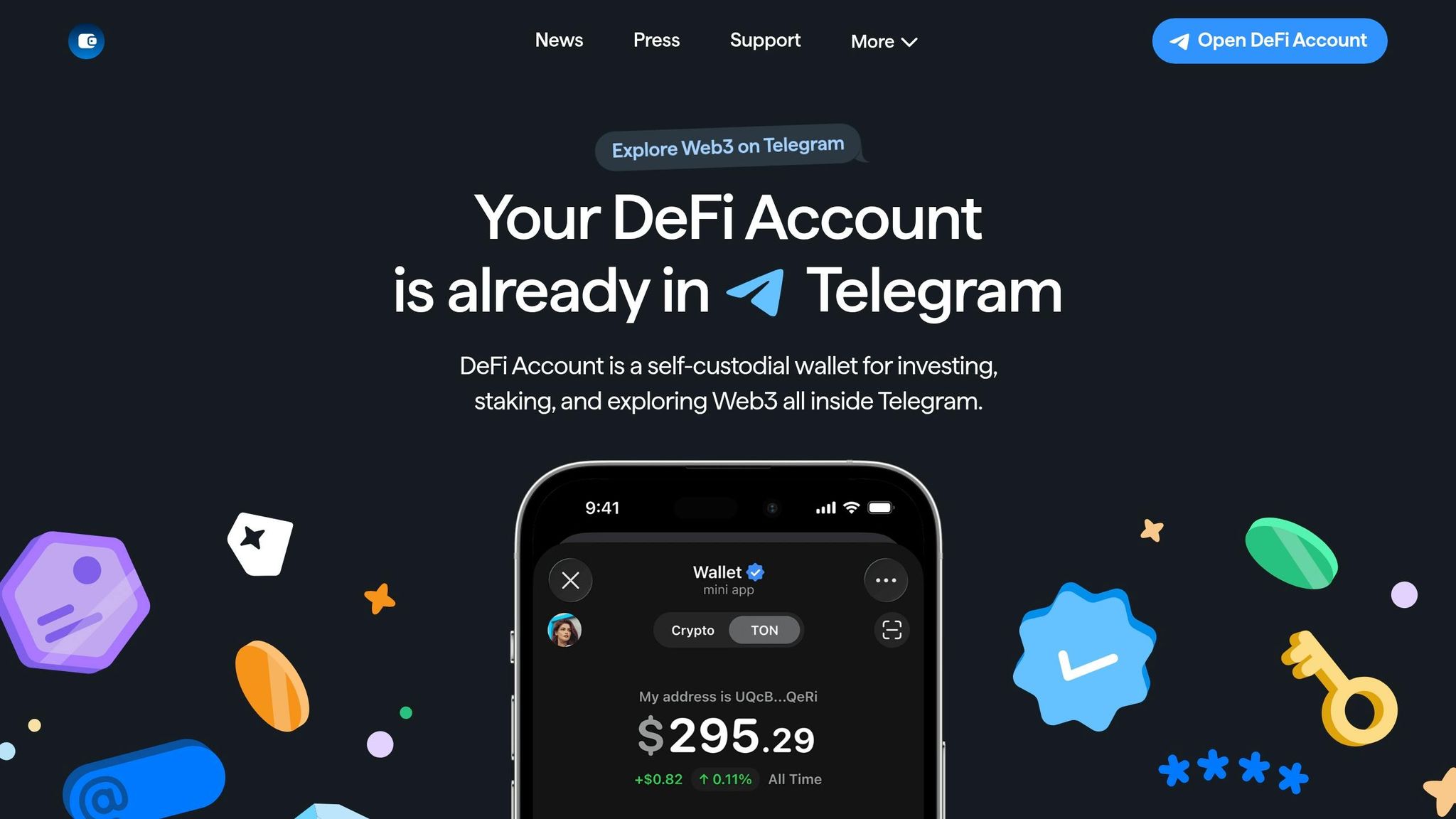
First, copy the deposit address from Telegram Wallet for the asset and network you plan to use. Then paste that address into the destination field on the exchange withdrawal page.
From there, choose the exact asset shown in Telegram Wallet, such as USDT or GRAM, and make sure the network matches too. For example, if Telegram Wallet gives you a USDT address on TON, your exchange withdrawal must also use TON - not TRC-20 and not Ethereum.
Telegram Wallet does not require a memo, tag, or comment for incoming deposits.
Check Withdrawal Fees and Minimum Amounts
Before you send anything, look at the withdrawal fee, the minimum amount, and the estimated processing time. You want to make sure the amount that lands in Telegram Wallet still clears the minimum deposit threshold.
For example, USDT (TRC-20 or ETH) needs at least 0.003 USDT to be credited.
What to Do If a Transfer Is Delayed
Start with the exchange. Check the withdrawal status there first. If the exchange shows the transfer as sent, copy the transaction hash (TXID) from your withdrawal history and paste it into a blockchain explorer to see the status and confirmation count.
If the explorer shows "Success" but your Telegram Wallet balance still hasn't changed, check the network again. A transfer that was confirmed on the wrong chain will not show up in your wallet.
If the network is correct and the transaction is confirmed, contact Wallet support and include the TXID.
If you're not using an exchange withdrawal, the next method is to buy crypto and send it straight to your Telegram Wallet.
Buy Crypto and Send It to Your Telegram Wallet
If you don’t own any crypto yet, you have two main paths. You can buy it inside Telegram, or you can purchase it with U.S. dollars and then send it to your Telegram wallet.
If you need to buy first, use one of the purchase flows below and send the funds to your Telegram deposit address.
Use In-App Buy or Add Crypto Options
Open @wallet and pick a purchase method. Supported assets often include TON, BTC, and USDT. The payment is handled by a processor, and you may need to verify both the wallet and the processor. Your KYC level and region affect how much you can buy.
Before you pay, check which assets, payment methods, and networks are offered where you live. Some zero-fee USDT purchase options aren’t available in certain countries.
Once the purchase goes through, send the crypto to your Telegram deposit address.
Buy Crypto with USD Through Kryptonim
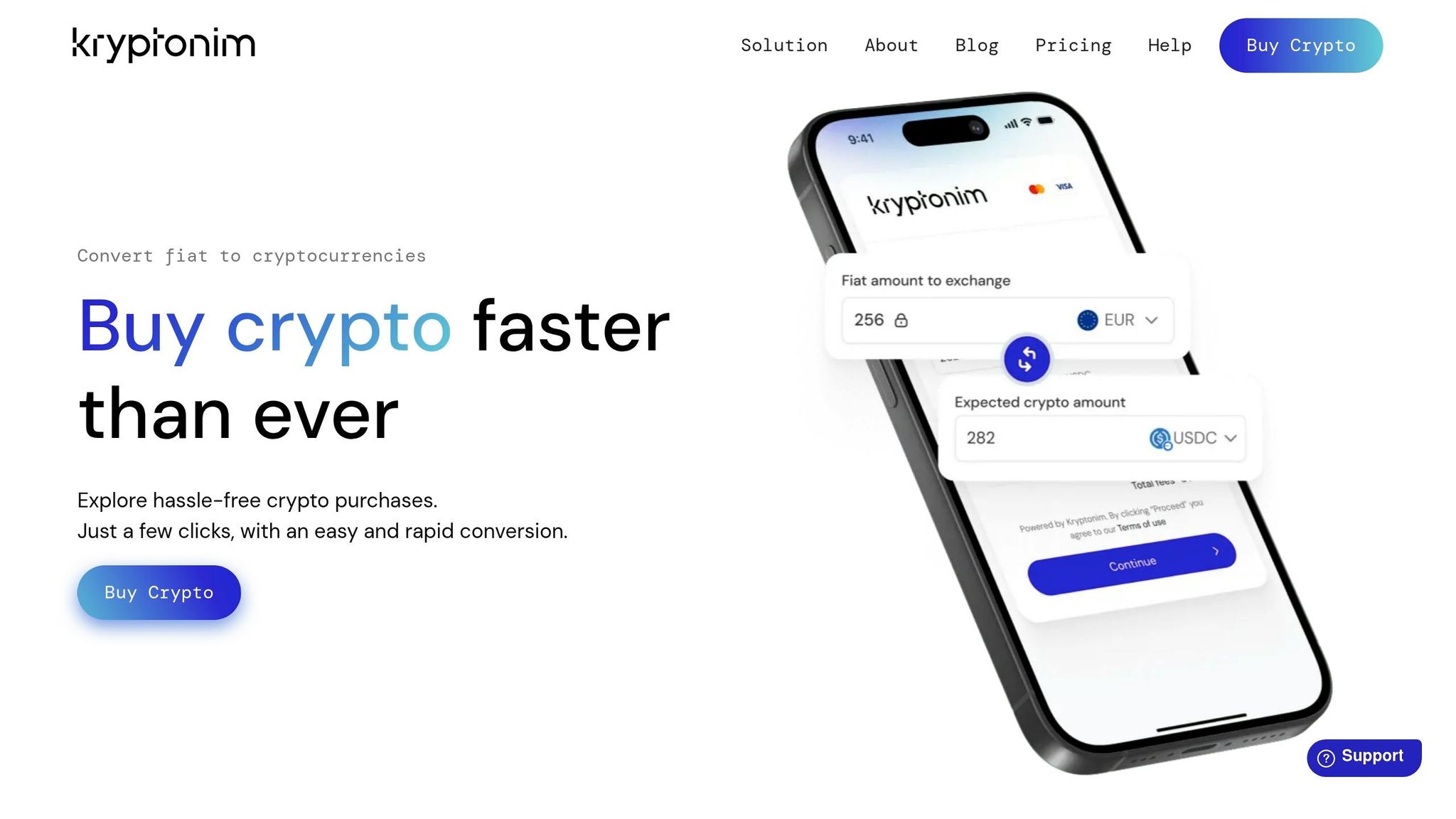
If you want a direct purchase, make sure you use the same asset and network supported by your Telegram Wallet deposit address. That part matters more than people think.
Kryptonim gives you a simple way to buy crypto with U.S. dollars, and you don’t need to create an account. Choose the asset, enter the USD amount, check the rate and fees, and pay. For users outside the EU, Kryptonim charges 4% per transaction.
After payment, withdraw the crypto you bought to your deposit address in Telegram Wallet.
Send the Purchased Crypto to Your Wallet
After your purchase is done, paste your Telegram wallet deposit address into the destination field. Then check the asset and network one more time before you confirm. A small mismatch here can turn into a big problem fast.
Sending funds on the wrong network can lead to permanent loss. Once everything matches, submit the withdrawal and wait for the deposit to confirm.
Confirm the Deposit and Avoid Costly Mistakes
Once you fund your wallet by bank transfer or by buying crypto, take a minute to make sure the deposit showed up the way it should.
Verify Your Balance, Fees, and Transaction History
Start on the balance screen, then check your transaction history.
Your total balance shows at the top of @wallet. If you tap an asset, you’ll see that asset’s balance. Your transaction history sits at the bottom of the main screen.
One small detail can trip people up: tiny balances under $0.01 may not show on the main screen, but they still count toward your total balance.
If the deposit came from another wallet or an exchange, look up the transaction in a blockchain explorer. A status of "Success" means the deposit was credited. "Pending" means it’s still making its way through the network.
Telegram Wallet does not charge fees for incoming deposits. So if the amount you receive is lower than what you sent, the missing amount usually comes from the sending side, like:
- an exchange withdrawal fee
- a network fee
Key Safety Rules to Follow Every Time
Before you make your next deposit, run through the same checks again. It may feel repetitive, but this is where people often slip.
Always match the asset and the network. For example, sending USDT on one network to an address meant for another can lead to permanent loss.
It also helps to lock things down on your side. Turn on Telegram Two-Step Verification in Settings > Privacy and Security, then add a wallet passcode or biometric lock. If you use the non-custodial DeFi Account, write down the 24-word seed phrase, keep it offline, and never share it.
And one last habit that can save you a headache: keep your transaction ID until the deposit fully appears in your balance.
FAQs
How do I know which network to use?
Use the network that exactly matches the asset you're depositing. When you start a deposit in the wallet, pick the same network used by the external wallet or exchange that's sending the funds.
Always double-check the network and address before you confirm. If you use the wrong network, you can permanently lose your funds, and transactions can't be reversed.
What happens if I send crypto to the wrong network?
Sending crypto on the wrong network is a serious mistake. It can lead to permanent loss of funds.
Why? Because blockchain transactions are irreversible. If you send assets to the wrong network or to an address that doesn’t work with that network, you usually can’t get them back.
Before you send anything, make sure the asset and network match the details shown in your Telegram wallet deposit section. Double-checking before you confirm is the most important step.
Why is my Telegram Wallet deposit still pending?
Deposit times depend on the blockchain network you use.
- TON usually arrives in a few minutes.
- USDT (TRC-20), TRX, and FLR can take up to 10 minutes.
- Bitcoin often takes 30–60 minutes after the needed confirmations.
- Ethereum, Solana, and XLM can take more or less time depending on network congestion.
Before you send anything, double-check that you picked the correct asset and the correct network. If you send an unsupported asset or use the wrong network, your funds can be lost permanently.