
How to Send Crypto to Someone Using Just Their Phone Number
Send crypto using a phone number for instant off-chain transfers, clear fees (EU 2%/non‑EU 4%), and recommended 2FA security.
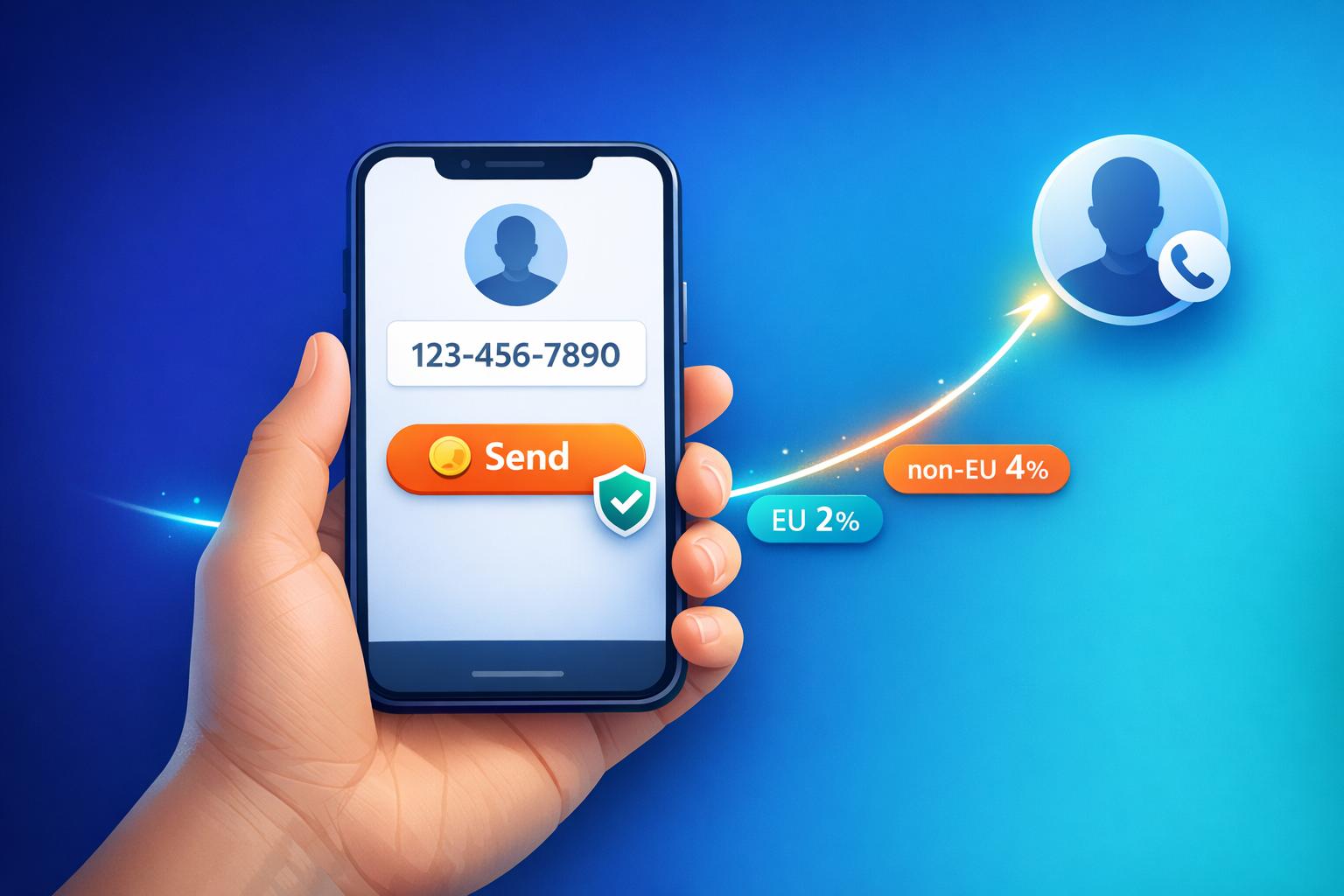
Sending crypto has never been easier. With platforms like Kryptonim, you can transfer digital assets using just a phone number - no complex wallet addresses needed. Here’s how it works:
- Instant Transfers: Off-chain transactions are processed immediately and often without fees.
- No Account? No Problem: Recipients without an account can register within 7–14 days to claim funds.
- Transparent Costs: EU users pay a 2% fee, while others pay 4%. Fees and exchange rates are displayed upfront.
- Beginner-Friendly: The app syncs with your contacts, making it simple to select recipients and send crypto.
To keep your transfers secure, enable two-factor authentication (2FA), verify recipient details, and monitor your account activity. Kryptonim’s approach combines ease of use with robust security measures, making it a great option for sending crypto effortlessly.
Why Use Kryptonim for Phone Number Crypto Transfers
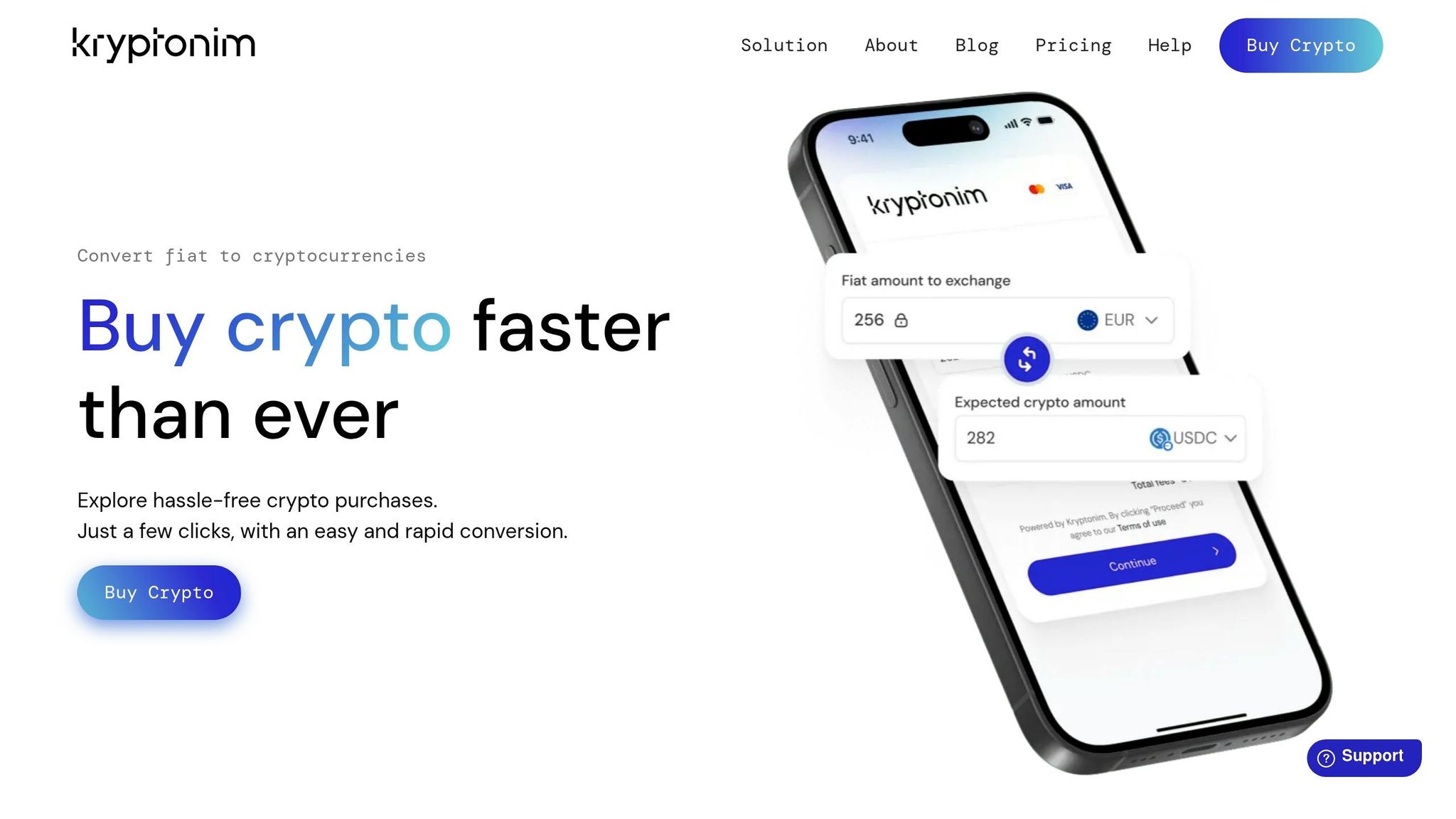
Secure and EU-Regulated Platform
Kryptonim operates under strict EU regulatory standards, ensuring compliance with established security and financial protection guidelines. This level of oversight provides peace of mind, especially for those new to cryptocurrency.
Easy-to-Use for Beginners
Kryptonim is designed with simplicity in mind, making it accessible even for first-time users. According to the platform:
Purchasing cryptocurrencies via Kryptonim is easy and doesn't require prior experience. We made our tool so simple and intuitive that anyone can use it
. The streamlined account setup and minimal paperwork mean you can start sending crypto in no time.
Transparent Pricing with No Surprises
Kryptonim keeps pricing straightforward: EU users pay a 2% transaction fee, while users outside the EU are charged 4%. Before confirming a transfer, you'll see all fees, the amount being sent, and the final total clearly displayed. Kryptonim also highlights its "most competitive exchange rates in the market", making the process hassle-free and predictable.
sbb-itb-0796ce6
How to Send Crypto Using Kryptonim with a Phone Number

How to Send Crypto Using Phone Number in 5 Steps
Open the Kryptonim App and Find the Send Option
Start by downloading and launching the Kryptonim app on your smartphone. Once you're in, locate the "Send" or "Pay" button. It's typically found on the main navigation bar - usually at the bottom of the screen or in the bottom-right corner of the homepage. If you don't see the send option right away, you can search for the cryptocurrency you want to send and proceed from there. Afterward, select your recipient using their phone number.
Pick Your Recipient Using Their Phone Number
Tap on the send feature and choose your recipient. The app might request access to your contacts. Allowing access lets you scroll through your contact list and pick the right person. Alternatively, you can manually type the recipient's phone number into the search bar. Double-check that you've selected the correct contact before moving forward.
Select the Cryptocurrency and Enter the Amount
Next, choose which cryptocurrency you'd like to send - options like Bitcoin or Ethereum are available. Then, enter the amount you'd like to transfer. You can input the amount in either crypto units or USD, and the app will automatically show the current exchange rate for your reference.
Review Fees and Confirm the Details
Before finalizing the transaction, tap "Preview" or "Review" to see a summary of all the details. This overview includes the cryptocurrency type, the amount being sent, the recipient's information, and any fees involved. If you're transferring funds to another Kryptonim user via their phone number, the transaction happens off-chain, making it instant and typically fee-free. However, if you're sending to an external wallet, blockchain network fees (gas fees) will be displayed. Double-check everything before hitting "Send" or "Pay now."
Complete the Verification and Finish the Transfer
For added security, Kryptonim requires a final verification step, especially for larger transactions. This might include two-factor authentication (2FA) or another security measure. Once completed, the transfer will process immediately if it's off-chain. On-chain transfers will enter the blockchain confirmation queue. You'll receive a notification once the transaction is finalized, and the recipient will be notified that the funds have arrived.
Security Best Practices for Phone Number Crypto Transfers
Enable Two-Factor Authentication (2FA)
Adding two-factor authentication (2FA) to your account strengthens security by requiring a second verification step beyond your password. However, avoid SMS-based 2FA since it’s vulnerable to SIM-swap attacks, where someone could hijack your phone number and intercept authentication codes. Instead, opt for a time-based one-time password (TOTP) app like Google Authenticator, Microsoft Authenticator, or Duo. If you want an even more secure option, consider using a hardware security key such as YubiKey.
Ensure 2FA is enabled not just for logging in but also for approving transactions - especially when dealing with larger amounts. Set up backup methods in case your primary device is lost or unavailable. If your app offers push notifications for security prompts, enable them to get real-time alerts about login attempts or transaction authorizations.
Once 2FA is set up, the next step is to double-check the recipient's information.
Verify Recipient Details
Accuracy is critical when sending crypto, as transactions are irreversible. Before confirming a transfer, double-check the recipient's details. Always verify the recipient's phone number, including the country code, to ensure it’s correct. In apps like Kryptonim, entering a phone number will display the recipient’s profile if they’re registered - use this feature to visually confirm you’ve selected the right person.
For extra peace of mind, confirm the phone number with the recipient through another channel, such as a secure message or a voice call, before proceeding with the transfer.
Monitor Account Activity
Even with strong protections in place, it’s important to stay vigilant. Regularly review your Kryptonim account history, including both completed and pending transactions, to spot any unauthorized or suspicious activity. If you notice anything unusual - like a transfer you didn’t approve - contact Kryptonim support immediately. Keeping an eye on your account can help you catch potential issues early and maintain control over your funds.
Troubleshooting Common Issues with Kryptonim Phone Transactions
Recipient Not Receiving Funds
If the recipient hasn't received the crypto you sent, start by checking the transaction status in your Kryptonim app. Off-chain transfers using phone numbers are usually instant and don't appear on the blockchain, so delays are rare. If the status shows as "Pending", allow up to 30 minutes for it to process. Most transactions are completed within this timeframe.
Double-check the recipient's phone number for accuracy. It's also possible that the recipient needs to complete identity verification (KYC) before the funds are credited to their account. This process can take 3 to 5 business days. Encourage them to review their account for any alerts or requests for additional verification steps.
Ask the recipient to close and reopen the Kryptonim app, update to the latest version, or refresh their browser to check if their balance updates. For crypto sent via a shareable link, unclaimed funds will automatically return to your account after 5 days.
If the issue continues even after the "Pending" status clears, refer to the next section for guidance on resolving transaction errors.
Transaction Failures or Errors
Transaction failures are often caused by simple issues. First, ensure you have enough crypto in your account to cover the amount you're trying to send. Double-check your balance to confirm.
Complete any pending two-factor authentication (2FA) prompts, as these are required for security. Additionally, make sure your account has met all identity verification (KYC) requirements, as incomplete verification can block or delay transactions.
For technical errors, try closing and reopening the app, refreshing your browser, or ensuring your internet connection is stable. If a transaction remains in "Pending" status for more than 30 minutes, reach out to Kryptonim support for further assistance.
Update Recipient Information
If you've entered the wrong phone number, act quickly. For off-chain transfers to other Kryptonim users, verify the recipient's details in the "Pay" or "Send" tab of your app before confirming the transaction. Keep in mind that once a transaction is completed, standard on-chain transfers cannot be reversed. Funds sent to an incorrect address or via an unsupported network are not recoverable.
If you notice an error, immediately update the recipient's details by navigating to your Profile or Contacts. Confirm the recipient's phone number through a secondary method, such as a text or call. Taking this extra step only takes a moment and can help prevent costly mistakes. While Kryptonim's off-chain transfers are internal and instant, accuracy is still crucial since the recipient must have an active account on the platform for the transfer to succeed.
Conclusion
Sending crypto with just a phone number makes the process as easy as sending a text. Thanks to Kryptonim, you no longer have to deal with the hassle of entering long wallet addresses, reducing the chances of costly mistakes.
With off-chain transfers, Kryptonim removes network fees and delays entirely. It also prioritizes security, ensuring your funds are protected. Plus, you can send crypto to someone who doesn’t even have an account yet - they’ll have the opportunity to register and claim the funds later.
To ensure your transactions go smoothly, take a few precautions: Always double-check the recipient’s phone number and country code. Since these transfers can’t be undone, verifying recipient details is crucial. For added safety, enable two-factor authentication (2FA), confirm details with a quick call or text, and keep an eye on your transaction history to stay in control of your funds.
FAQs
Do I need the recipient’s country code?
No, you don’t need the recipient’s country code when sending crypto using their phone number. Platforms that offer this feature usually recognize recipients by their phone number or email within the system, so adding a country code isn’t required.
What happens if the recipient never signs up?
If the recipient doesn’t register on the platform used to send the cryptocurrency, the transaction usually won’t be completed. To access the funds, they’ll need to create an account connected to their phone number. If they don’t complete this step within the platform’s set timeframe, the transfer might fail, or the funds could stay unclaimed until further steps are taken.
Can I cancel a transfer after I hit Send?
Once you hit "Send", whether you can cancel the transfer depends on the type of transaction. On-chain transfers cannot be reversed once they’re confirmed. In contrast, off-chain or instant transfers (like those sent to another user on the same platform) might be canceled, but only if the recipient hasn’t accepted or processed the transaction yet. Be sure to review your platform's settings to see if cancellation is possible for off-chain transfers.