
How to Buy Crypto and Send It Directly to Your Own Wallet (Not an Exchange)
Buy crypto with fiat and send it directly to your personal wallet. Choose a hardware or software wallet and follow simple security and backup steps.
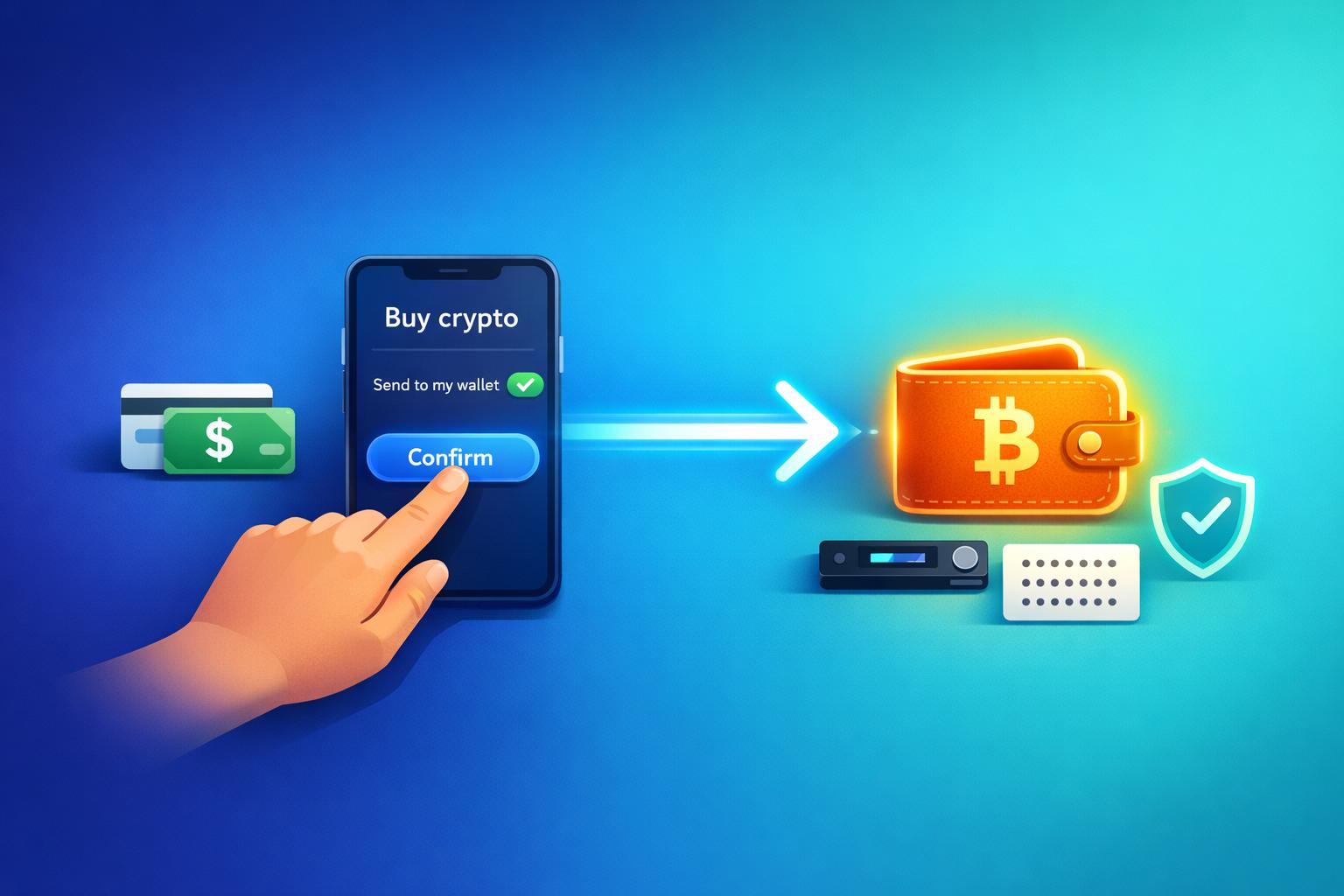
When you buy cryptocurrency, keeping it in your personal wallet, rather than on an exchange, gives you full control and reduces risks like hacking, frozen accounts, or platform failures (e.g., FTX collapse). Here's how you can do it:
-
Set Up a Personal Wallet:
- Use a hardware wallet (e.g., Ledger, Trezor) for offline storage and long-term security.
- Opt for a software wallet (e.g., MetaMask, Trust Wallet) for quick access and active trading.
- Always back up your recovery phrase securely.
-
Use Kryptonim for Direct Purchases:
- Kryptonim is an EU-regulated platform that sends crypto directly to your wallet after purchase.
- No account setup is needed - just provide your wallet address, choose your crypto, and pay with a card or local methods.
- Fees are transparent: 2% for EU users, 4% for others.
-
Verify and Complete Transactions:
- Double-check your wallet address to avoid errors.
- Complete the AML/KYC process for compliance.
- Track your transaction using the blockchain to ensure delivery.
-
Stay Secure:
- Enable 2FA and use strong passwords.
- Store recovery phrases offline in secure locations.
- Test wallets with small transactions before transferring large amounts.

Complete Guide to Buying Crypto and Sending to Your Personal Wallet
Using Kryptonim to Buy Cryptocurrency
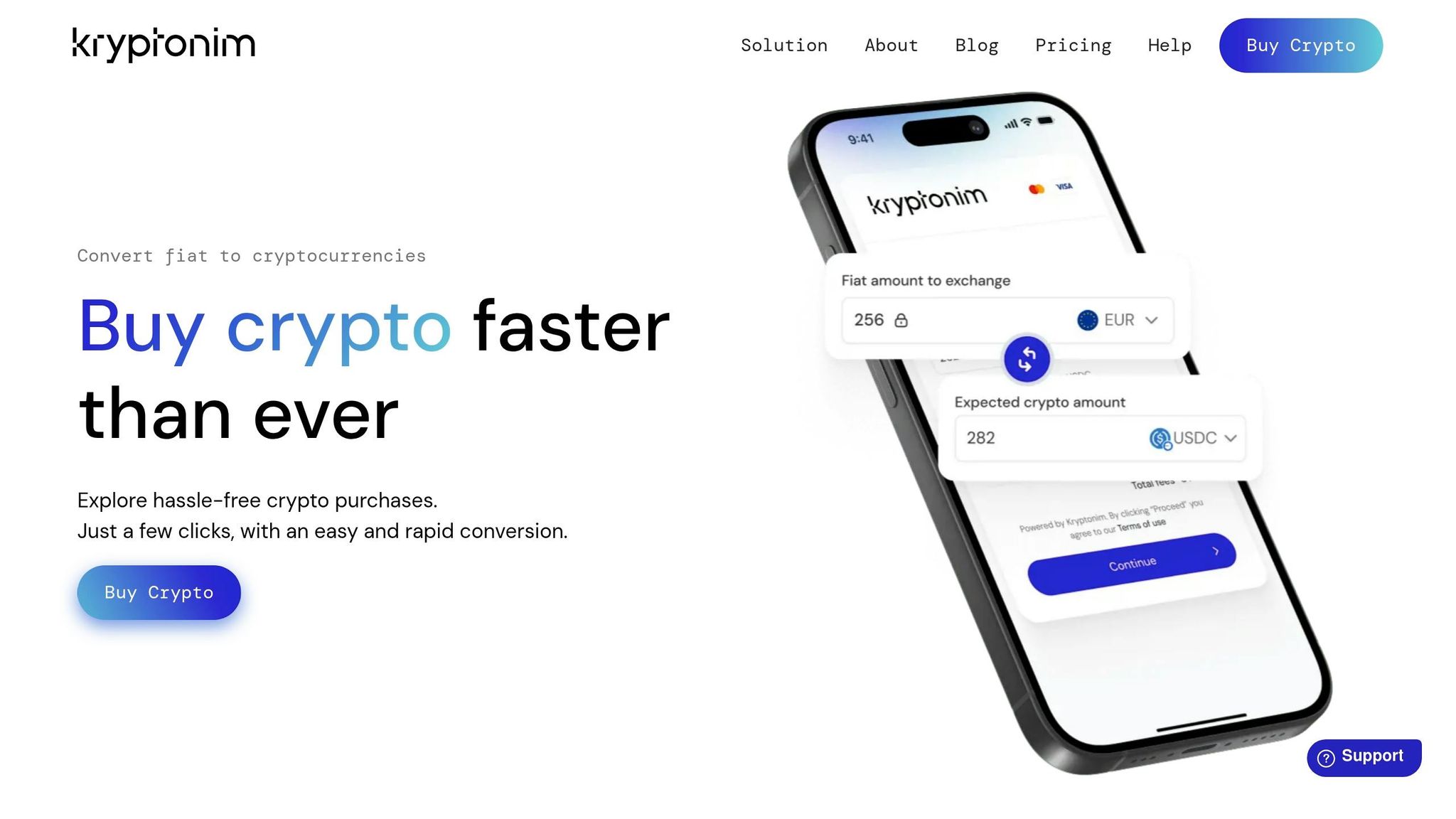
Kryptonim is an EU-regulated platform designed to make buying cryptocurrency simple and secure. Unlike traditional exchanges that store your assets, Kryptonim acts as a direct gateway. When you purchase crypto using fiat currency, the platform immediately transfers it to the wallet address you provide. This eliminates the risks of leaving funds on centralized platforms and gives you full control of your assets from the moment of purchase. It’s a straightforward approach that aligns perfectly with the self-custody advantages discussed earlier.
One of Kryptonim's standout features is that it doesn't require account creation. Whether you're new to crypto or a seasoned buyer, the process is refreshingly simple. Visit the website, use the converter to select your cryptocurrency and amount, and complete the transaction with a credit card, debit card, or a local payment method. The platform is designed to minimize delays, ensuring a smooth and quick experience. This efficient system lays the groundwork for the secure and transparent operations we'll touch on next.
Why Kryptonim Offers Security and Transparency
Because Kryptonim is EU-regulated, it adheres to strict financial standards, adding an extra layer of security and accountability. Transparency is a key focus - the platform clearly displays exchange rates and fees upfront, so there are no surprises or hidden charges.
"We made our tool so simple and intuitive that anyone can use it." - Kryptonim
The user-friendly interface ensures that even those with no prior experience can navigate the platform with ease. Kryptonim handles all the technical complexities behind the scenes, leaving you to focus on entering your wallet address correctly and completing your purchase. For newcomers, this simplicity removes many of the hurdles typically associated with buying crypto while still offering the security benefits of self-custody.
Kryptonim Pricing and Plans
Kryptonim operates with a transparent fee structure based on your location. There are no hidden costs - just the stated percentage fee per transaction.
| Region | Fee Per Transaction | Features | Limitations |
|---|---|---|---|
| EU Users | 2% | Direct fiat-to-crypto conversion | EU only |
| Other Regions | 4% | Direct fiat-to-crypto conversion | Non-EU |
These fees cover the entire process, from fiat conversion to delivering the cryptocurrency directly to your wallet. With its competitive rates, Kryptonim is a solid choice for both frequent buyers and those making occasional purchases.
sbb-itb-0796ce6
Choosing and Setting Up Your Personal Wallet
To start receiving funds, you'll need to set up a wallet address. You can choose between hardware wallets and software wallets, each suited to different needs. Hardware wallets store your private keys offline on a physical device, offering strong protection against online threats like hacking and malware. On the other hand, software wallets keep your keys on your phone or computer, providing quick access but with increased vulnerability to digital risks. A common tip is to store 90% of your funds in cold storage (hardware wallets) and keep only 10% in hot wallets (software wallets) for frequent transactions. Once your wallet is ready, you're all set to buy crypto on Kryptonim.
Hardware Wallets for Long-Term Storage
Hardware wallets, such as Ledger or Trezor, are ideal for securely holding crypto over the long term and are priced between $50 and $200. These wallets ensure that your private keys never leave the device, keeping your funds safe even if your computer is compromised. When you're signing a transaction, the wallet's physical screen lets you verify all details, reducing the risk of fraudulent activity.
"Think of hot wallets like your checking account - easy to use but riskier. Cold wallets are your safety deposit box - harder to access but more secure."
- Fei Chen, Founder and CEO, Intellectia
To avoid counterfeit or tampered devices, always buy hardware wallets directly from the official manufacturer.
Software Wallets for Active Trading
Software wallets, such as MetaMask or Trust Wallet, provide free and instant access to your crypto, making them perfect for frequent transactions and interacting with decentralized apps (dApps). For instance, MetaMask has over 21 million monthly active users. However, since software wallets stay connected to the internet, they are more exposed to risks like malware or device breaches.
Only store funds in hot wallets that you can risk losing.
Once you've chosen a wallet, follow the steps below to set it up securely.
Setting Up Your Wallet
After deciding on your wallet type, here's how to get started:
- For a software wallet: Download the official app and create a strong password. Write down your 12- or 24-word recovery phrase on paper and keep it in a fireproof safe.
- For a hardware wallet: Connect the device and set a 4- to 8-digit PIN directly on it. Record the recovery phrase provided by the wallet, and before transferring large amounts, test it with a small transaction.
How to Buy Crypto on Kryptonim
After setting up your wallet, you’re ready to purchase cryptocurrency through Kryptonim. This EU-regulated platform, based in Poland, offers a straightforward and secure way to exchange fiat currency for crypto. With Kryptonim, your crypto is sent directly to your wallet, giving you full control over your assets. Here’s how to get started.
Selecting Your Cryptocurrency and Payment Method
Head over to the Kryptonim website and use their easy-to-navigate converter. Pick the cryptocurrency you want - Bitcoin, for example - and enter the amount in your local currency. The converter will show you the exchange rate upfront, so you’ll know exactly how much crypto you’re getting, with no hidden fees to worry about.
Next, provide the wallet address you set up earlier. Kryptonim will send your purchased cryptocurrency directly to this address, ensuring you stay in control of your funds. Keep in mind, fees vary depending on your region, but they’re clearly disclosed during the process.
When it’s time to pay, you can use a credit or debit card or select from other supported local payment methods. Once you’ve reviewed and confirmed your choices, you can proceed to finalize the transaction.
Completing Your Purchase
Before wrapping up your transaction, you’ll need to complete the AML/KYC (Anti-Money Laundering/Know Your Customer) verification. This step is required for all users and involves an automated process that verifies your identity quickly and securely. It’s designed to prevent fraud, ensure compliance with regulations, and protect your funds.
"Visit our website, use the converter, complete your transaction with a card or supported local payment method, and verify your identity as required. Once verified, your purchased cryptocurrency will be delivered to your wallet address indicated during the purchase process." - Kryptonim
If you’re new to crypto, Kryptonim may also conduct an appropriateness assessment to confirm that the service matches your financial knowledge and experience. Once your identity is verified and payment is processed, the cryptocurrency is sent directly to your wallet. There’s no need to create an account.
As a safety tip, always double-check the website URL to avoid phishing scams, and never share your passwords or seed phrases with anyone.
How to Withdraw Crypto to Your Wallet
With Kryptonim, the process is simple: when you purchase cryptocurrency, you provide your wallet address upfront, and Kryptonim sends the crypto directly to your personal wallet. This ensures you maintain full control over your assets.
Copying and Verifying Your Wallet Address
Before making a purchase on Kryptonim, open your wallet app and find the "Receive" or "Deposit" option to display your unique address. Most wallets have a "Copy" button to place the address directly on your clipboard, or you can scan a QR code to avoid typing errors.
If you're using a hardware wallet, always confirm the address on the device's physical screen rather than relying solely on your computer. Double-check every single character. As Fidelity warns:
"If the address is off by even one character, your assets may be sent to the wrong location, and there's a good chance you won't be able to recover them".
Also, make sure the wallet address matches the cryptocurrency you're buying. For example, Bitcoin should go to a Bitcoin address, and Ethereum to an Ethereum address. Sending funds to the wrong network could lead to irreversible loss. Once you've verified your wallet address, you can move forward with your transaction on Kryptonim.
Starting the Transfer on Kryptonim
When you're ready to buy, paste your verified wallet address into the appropriate field. Kryptonim will use this address to send your cryptocurrency directly after your payment and identity verification are completed. Since the crypto goes straight to your wallet, there’s no need for a separate withdrawal process.
Confirming the Transfer
After initiating the transaction, check your wallet balance to ensure the transfer is successful. Depending on network traffic, the transfer might take anywhere from a few seconds to over an hour. You can also use a blockchain explorer and your transaction hash to track its progress.
If the transaction takes longer than expected, reach out to Kryptonim's support team for assistance. Keep in mind that blockchain transactions are final - unlike traditional banking, there’s no way to reverse a mistake once the funds are sent.
Safety Tips and Best Practices
Now that you've completed your crypto purchase and transfer, it's time to focus on keeping your assets secure. With full control over your wallet, adopting strong security habits is essential. Mismanagement of seed phrases and wallets has led to an estimated 3 to 4 million BTC being permanently lost. Here’s how you can avoid such pitfalls.
Double-Check Wallet Addresses and Transaction Details
When initiating a transfer, carefully verify every character in the wallet address. Even a small error can result in irreversible losses. Make sure the blockchain network on Kryptonim matches your wallet's network to avoid compatibility issues.
To further reduce risk, send a small test transaction (around $5) before transferring large amounts. Using QR code scanning can also help minimize manual entry errors. These simple steps can save you from costly mistakes.
Enable Two-Factor Authentication and Use Strong Passwords
Adding two-factor authentication (2FA) to your accounts provides an extra layer of security. As Coinbase emphasizes:
"It's also recommended to use 2-step verification (also called 2FA) for an extra layer of security".
For better protection, use a time-based one-time password (TOTP) app like Google Authenticator or Authy instead of relying on SMS-based methods, which are more vulnerable to interception. And always double-check that you're on the correct website before entering any security codes.
Back Up Your Wallet and Secure Seed Phrases
Your seed phrase is the gateway to your crypto holdings, so securing it is critical. As Jibran Mirza from Coin Bureau explains:
"Your seed phrase is the master key to your entire crypto life".
Avoid storing your seed phrase digitally - this includes cloud services, email drafts, note-taking apps, password managers, or screenshots. These methods make it easier for hackers to access your information. Instead, write your seed phrase on archival-quality paper using pigment ink, or invest in a metal backup solution made from stainless steel or titanium, which can withstand extreme conditions like fire up to 1,400°C.
Distribute copies of your seed phrase across two or three secure physical locations to reduce the chance of losing access entirely. Always record your seed phrase in a private setting, away from digital devices, to prevent any accidental leaks.
To ensure your backup remains functional, perform a recovery dry-run annually with a small test wallet. This will confirm that you can restore your funds and that your backups are still legible. For added security, consider using a passphrase (often called the "25th word") to create a hidden wallet. This extra step ensures that even if someone gains access to your seed phrase, they won’t be able to access your funds without the passphrase.
Conclusion: Managing Your Crypto Securely
Owning cryptocurrency isn't just about buying it - it’s about managing it safely. Tools like Kryptonim provide immediate protection for your funds, making them a strong choice for those aiming for financial control.
To keep your assets secure, always double-check wallet addresses, make small test transfers, and store recovery phrases offline. Remember, blockchain transactions are final - mistakes can lead to irreversible losses. Whether you opt for hardware wallets for long-term storage or software wallets for convenience, self-custody shields you from risks like hacks, withdrawal restrictions, and platform outages. It also gives you the freedom to engage with decentralized applications and access a broader range of tokens on your terms. These steps ensure a seamless transition from acquiring crypto to securing it in your personal custody.
Stick to strict security habits: enable two-factor authentication, routinely check your backups, and never share your recovery phrase. By following these measures, you can confidently and securely manage your cryptocurrency holdings.
FAQs
What happens if I enter the wrong wallet address?
When transferring cryptocurrency, entering the wrong wallet address can lead to irreversible consequences. Blockchain transactions are final, meaning once the crypto is sent, it typically cannot be retrieved. If you send funds to the wrong address, they may end up with an unintended recipient, and recovering them is nearly impossible. To avoid this, always double-check the wallet address carefully before confirming any transaction. A few extra seconds of caution can save you from significant losses.
How long does it take for crypto to reach my wallet?
The time it takes for cryptocurrency to land in your wallet varies based on the transfer method and the current state of the network. If you're using instant services, you can usually expect the crypto to arrive within minutes. However, during periods of network congestion, blockchain confirmations might slow things down, stretching the wait time to an hour or longer. Transfers involving banks or specific blockchain transactions can also face delays, depending on how busy the network is and how long confirmations take.
Can I buy crypto on Kryptonim without creating an account?
No, you can't buy crypto on Kryptonim without setting up an account. To make a purchase, you'll need to register and complete the verification process. This helps ensure secure transactions and keeps the platform in line with regulatory requirements.