
How to Buy USDC With Apple Pay - Instantly, Without an Account
Buy USDC instantly with Apple Pay and get funds sent to your self-custody wallet—no account or lengthy verification needed.
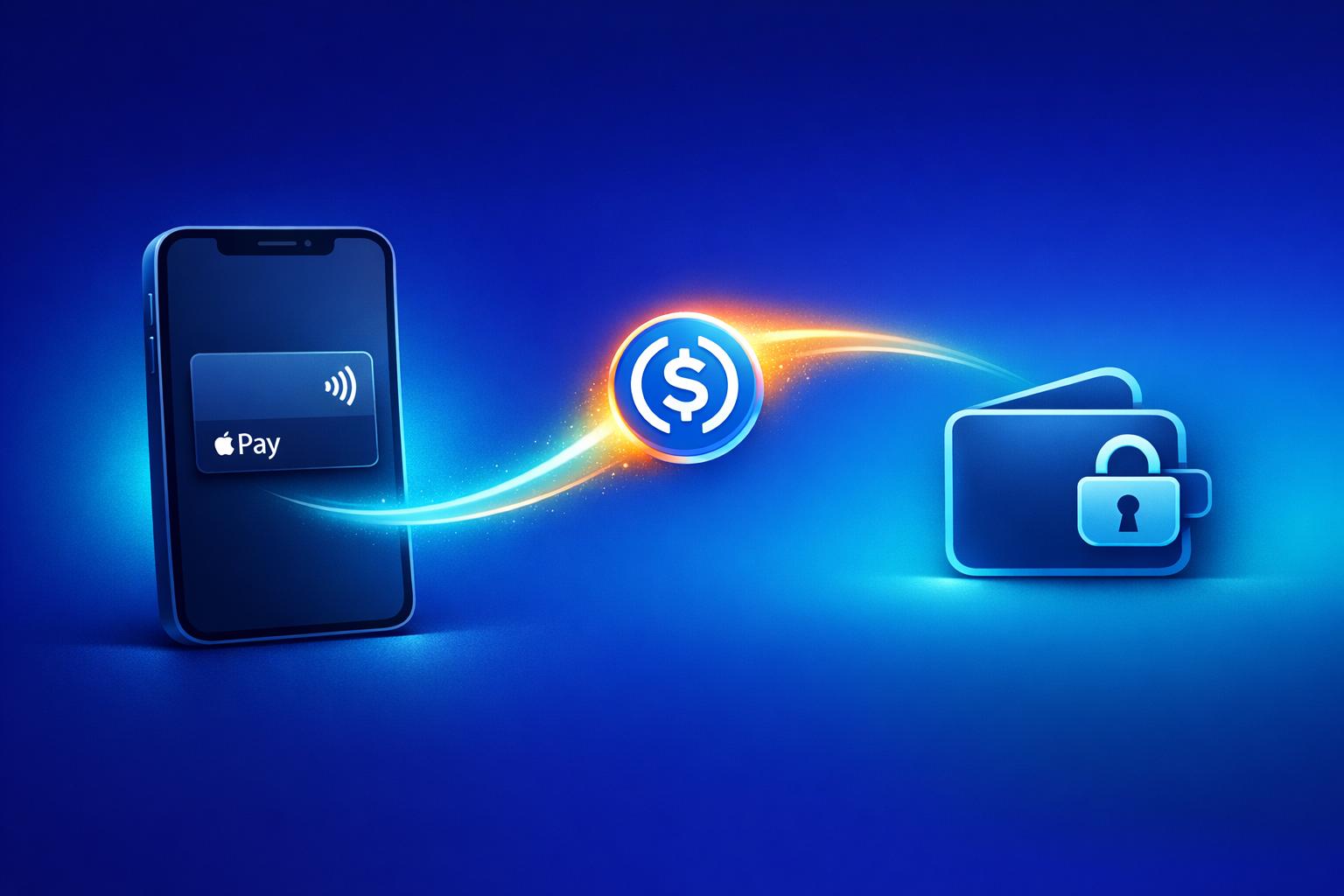
Want to buy USDC fast and hassle-free? Here’s how you can use Apple Pay to purchase USDC instantly - no account required. With platforms like Kryptonim, you can skip lengthy sign-ups and ID verification for smaller transactions, making the process simple and secure.
Key Points:
- USDC Basics: A stablecoin pegged 1:1 to the U.S. dollar, ideal for transfers, payments, and DeFi.
- Why Apple Pay? Quick payments with Face ID/Touch ID, no manual card entry, and fast delivery to your crypto wallet.
- Steps to Buy:
- Visit Kryptonim’s website.
- Select Apple Pay as your payment method.
- Confirm and finalize the transaction.
- Fees: 2% for EU users, 4% for others, with real-time cost calculations.
With Apple Pay and Kryptonim, you can get USDC in minutes directly to your wallet, all while maintaining full control of your funds.

How to Buy USDC with Apple Pay in 3 Simple Steps
Why Use Apple Pay to Buy USDC
Benefits of USDC
USDC stands out as a stable digital dollar, pegged directly to $1.00 and fully backed by U.S. dollars and short-term Treasuries held in regulated institutions. One of its biggest draws is the ability to send money internationally in seconds, often with transaction fees under $0.01 when using optimized networks like Solana or Base. This efficiency has contributed to a 70% increase in stablecoin payments in the U.S. recently.
"USDC isn't built for speculation but for everyday use. People rely on it to send money abroad, settle invoices, and make quick transfers without waiting for banks or paying high fees." – Ramp Network
USDC also plays a key role in decentralized finance (DeFi). Users can earn around 4–5% APY on their holdings, making it a practical option for those looking to maximize returns. Plus, its availability across multiple blockchains - such as Ethereum, Solana, Avalanche, and Polygon - adds to its versatility. These features align seamlessly with the convenience offered by Apple Pay.
Why Apple Pay Works for Crypto Purchases
Apple Pay complements USDC's practicality by offering a fast and secure way to make purchases. With Apple Pay, there's no need for manual card entry - simply authenticate using Face ID or Touch ID. Since November 2022, Circle's integration of Apple Pay has enabled users to buy USDC directly through Safari or apps on iPhone, iPad, and Apple Watch, all without requiring a separate account.
Security is another highlight. Apple Pay uses encrypted gateways to keep your card details private, reducing risks and enhancing trust. This streamlined process often leads to higher transaction approval rates. Once the purchase is complete, USDC is delivered to your wallet almost instantly - sometimes in as little as 5 seconds on optimized networks.
"Apple's entry will help boost adoption across its wide range of existing users. USDC appears to boost investors' confidence in stablecoin following incidents of stablecoins crashing." – Investopedia
sbb-itb-0796ce6
What You Need to Get Started
Device and Payment Setup
To make this purchase, you'll need an iPhone or iPad. Ensure that Apple Pay is set up on your device with a valid Visa or Mastercard linked to your Apple Wallet. You can confirm it's working by opening the Wallet app and checking your card details.
You'll also need a crypto wallet address to receive your USDC. Popular choices include wallets like MetaMask, Trust Wallet, or hardware wallets such as Ledger. Double-check that your wallet supports the blockchain you're planning to use since USDC operates on various networks.
Once your device and wallet are ready, the next step is selecting a platform that doesn’t require account creation.
Selecting a Platform That Doesn't Require an Account
For a quicker and more private experience, opt for a platform like Kryptonim, which allows you to buy USDC without registering an account. This eliminates time-consuming forms and identity verification, particularly for smaller transactions. Some services even let you purchase up to $150 worth of USDC without full ID verification.
Choose a platform that sends USDC directly to your self-custody wallet rather than storing it on their servers. Also, consider platforms supporting multiple blockchain networks, as this flexibility can save on fees. For instance, networks like Solana or Base typically have much lower transaction costs compared to Ethereum.
How to Buy USDC With Apple Pay
Step 1: Visit Kryptonim's Website
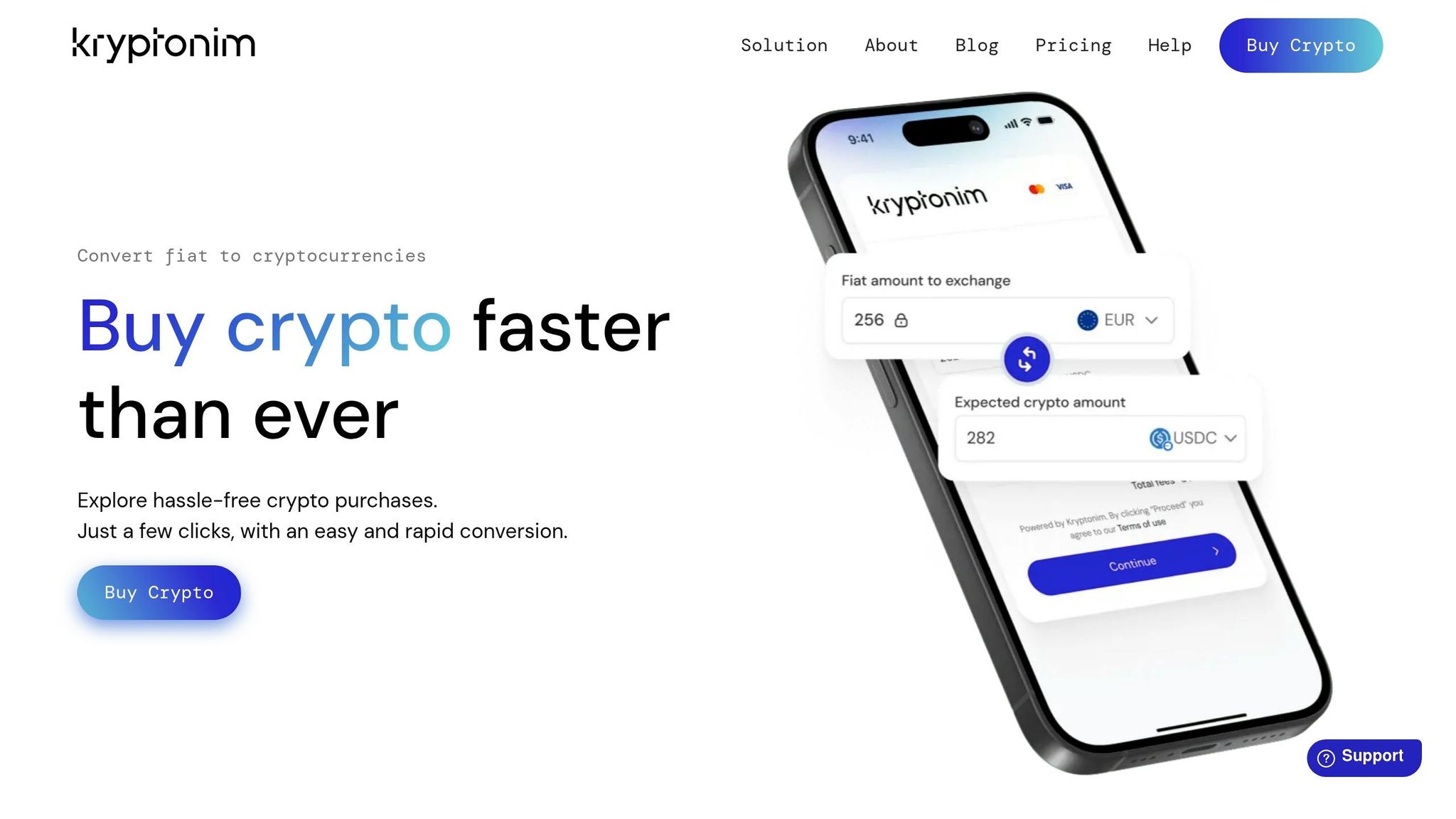
Using Safari or any browser on your iPhone or iPad, head to Kryptonim's official website. Look for the "Top Up" or "Deposit" button - this is your starting point to convert dollars into USDC and have it sent straight to your wallet. Kryptonim operates as a fully non-custodial platform, meaning you maintain full control of your private keys - no one else has access to your assets. Once there, proceed to select your payment method.
Step 2: Select Apple Pay as Your Payment Method
When you begin the top-up process, you'll be prompted to enter the dollar amount of USDC you want to purchase. After that, you'll see several payment options, such as credit/debit cards, bank transfers, and Apple Pay.
Choose Apple Pay to continue. The platform will clearly show the total cost, including Kryptonim's straightforward fee structure. Once you're ready, move on to confirm and finalize the purchase.
Step 3: Confirm and Finalize the Transaction
After selecting Apple Pay, you'll need to authorize the payment using Face ID, Touch ID, or your passcode. This built-in iOS security feature ensures that only you can complete the transaction, and the process is quick - just a few seconds.
Once authorized, Kryptonim processes your payment right away, and the USDC will appear in your wallet within minutes. You'll see a confirmation message on your screen when the transaction is done, and you can check your updated USDC balance directly in your self-custody wallet.
Before making your first purchase, ensure your seed phrase is securely backed up. Since this is a non-custodial wallet, managing your private keys is entirely your responsibility.
Fees and Pricing on Kryptonim
Kryptonim's Fee Structure
When purchasing USDC via Apple Pay, a clear and straightforward fee structure is crucial. Kryptonim keeps things simple with a 2% fee for EU users and a 4% fee for users in other regions. There are no hidden charges - what you see is what you pay. Aside from the regional fee and the current exchange rate, no unexpected costs will pop up at checkout. As Kryptonim puts it:
"Purchase crypto at an outstanding exchange rate, the most competitive in the market."
How to Calculate Your Total Cost
Figuring out the total cost of your USDC purchase is easy. Just multiply your purchase amount by the applicable fee rate, then add that fee to your initial amount. For U.S. users, the formula looks like this:
Total Cost = Purchase Amount + (Purchase Amount × 0.04)
Here’s an example: If you’re buying $100 of USDC in the United States, you’d calculate $100 × 0.04 = $4.00 in fees. Add that to the purchase amount, and your total comes to $104.00. For EU users, the same $100 purchase results in a $2.00 fee, making the total $102.00.
To make things even easier, Kryptonim’s on-site converter shows your total cost in real time. With fees calculated instantly, you’ll always know exactly what you’re paying before completing your transaction.
Security and Transaction Speed
Security Features on Kryptonim
Kryptonim operates as a self-custody wallet, meaning your private keys stay exclusively on your device, keeping third parties out of the equation. To protect your data, the wallet employs advanced encryption and offers a secure seed phrase backup system. This backup ensures you can recover your funds if your device is lost. Plus, the platform complies with EU regulatory standards, adding an extra layer of trust. Before making your first purchase, it's essential to enable biometric authentication on your iPhone and securely store your seed phrase offline. Keep in mind, if the seed phrase is lost, Kryptonim cannot assist in recovering your funds.
How Fast Transactions Process
Kryptonim doesn't just prioritize security - it also delivers on speed. Thanks to Apple Pay integration, you can top up your wallet instantly. Once you initiate a transaction, your USDC typically arrives in your self-custody wallet within minutes. This is a stark improvement compared to the 1–3 business days often required for traditional bank transfers. When you use Apple Pay, your fiat currency is instantly converted into USDC and deposited directly into your wallet, allowing you to see your balance update almost immediately after the transaction is completed.
Conclusion
Using Apple Pay to buy USDC through Kryptonim makes crypto purchases simple and fast. Transactions are processed almost instantly - often within minutes - and there's no need to create an account or deal with lengthy verifications. Plus, with Kryptonim's self-custody approach, your USDC goes straight to your wallet, giving you complete control over your funds.
The platform is upfront about its fees: 2% for EU users and 4% for others, with all costs, including exchange rates and network fees, clearly displayed.
Security is a priority, with bank-level encryption and compliance with EU regulations ensuring your transactions are protected. And since funds are sent directly to your self-custody wallet, there's no middleman involved.
All it takes is a quick visit to Kryptonim's website, a tap on Apple Pay, and your purchase is confirmed. Your USDC will be in your wallet almost instantly, ready to use - no account setup required.
FAQs
Which USDC network should I choose?
When deciding on the best network for USDC, it really comes down to your specific needs and the platform you're working with. Some of the most commonly used options include Ethereum, Solana, and Polygon, as they are widely supported for transactions. Services like MoonPay or Ramp often let you pick from several networks, so it's important to choose one that's compatible with your wallet or exchange. For those just starting out, Ethereum, Solana, and Polygon tend to be popular and user-friendly choices.
What are the Apple Pay limits without ID verification?
There’s no publicly disclosed maximum limit for Apple Pay transactions without ID verification. That said, transactions under $150 are commonly processed without requiring Know Your Customer (KYC) verification, which usually involves ID checks. For amounts exceeding this threshold, you’ll likely need to verify your identity to complete the transaction.
What if I send USDC to the wrong wallet address?
If you send USDC to the wrong wallet address, the funds could be lost forever. Blockchain transactions are final and cannot be undone, meaning there's no way to retrieve funds sent to an incorrect address. To avoid this, always double-check the recipient's wallet address before confirming any transaction. Mistakes can be costly!