
Top 7 Tools for Secure Recovery Phrase Sharing
Protect crypto access by using encrypted managers, hardware metal backups, and Shamir splits—choose tools that balance security, redundancy, and ease.
Your recovery phrase is the key to your crypto wallet - and losing it means losing access to your funds permanently. Storing and sharing it securely is essential to avoid theft or damage. This article explores 7 tools that help you protect and manage recovery phrases effectively:
- 1Password: End-to-end encryption, encrypted link sharing, and user-friendly design for beginners and advanced users.
- LastPass: AES-256 encryption, multi-factor authentication, and emergency access features, though not recommended by major crypto providers.
- Bitwarden: Affordable, strong encryption, and secure sharing via "Bitwarden Send."
- Cryptosteel Capsule: Durable, fireproof, and waterproof offline storage for long-term safety.
- Trezor Model T (with Shamir Backup): Divides recovery phrases into multiple shares, reducing single points of failure.
- Kryptonim: Privacy-focused platform for secure crypto purchases, complementing other phrase management tools.
- Signal: Encrypted messaging app for securely sharing recovery phrases online.
Each tool offers unique features tailored to different needs, from digital encryption to physical backups. Below is a quick comparison to help you choose the right solution.

Comparison of 7 Secure Recovery Phrase Storage Tools
Quick Comparison
| Tool | Key Features | Best For | Limitations |
|---|---|---|---|
| 1Password | Encrypted links, cross-platform sync | Beginners, digital backups | Internet-connected storage risks |
| LastPass | AES-256 encryption, MFA, emergency access | General users | Not recommended by major wallet providers |
| Bitwarden | Secure sharing, self-hosting options | Affordable, advanced users | Requires manual setup for offline backups |
| Cryptosteel | Fireproof, waterproof, offline storage | Long-term physical backups | No digital access |
| Trezor Model T | Shamir Backup, PIN protection | High-value crypto holders | Device discontinued in 2024 |
| Kryptonim | Privacy-first crypto purchases | Low data exposure | No direct recovery phrase management |
| Signal | Encrypted messaging, disappearing messages | Temporary online sharing | Recipient’s device security is critical |
Use these tools based on your priorities - whether it's convenience, offline durability, or advanced security setups. Always test your backup and recovery process to ensure your assets remain secure.
1. 1Password
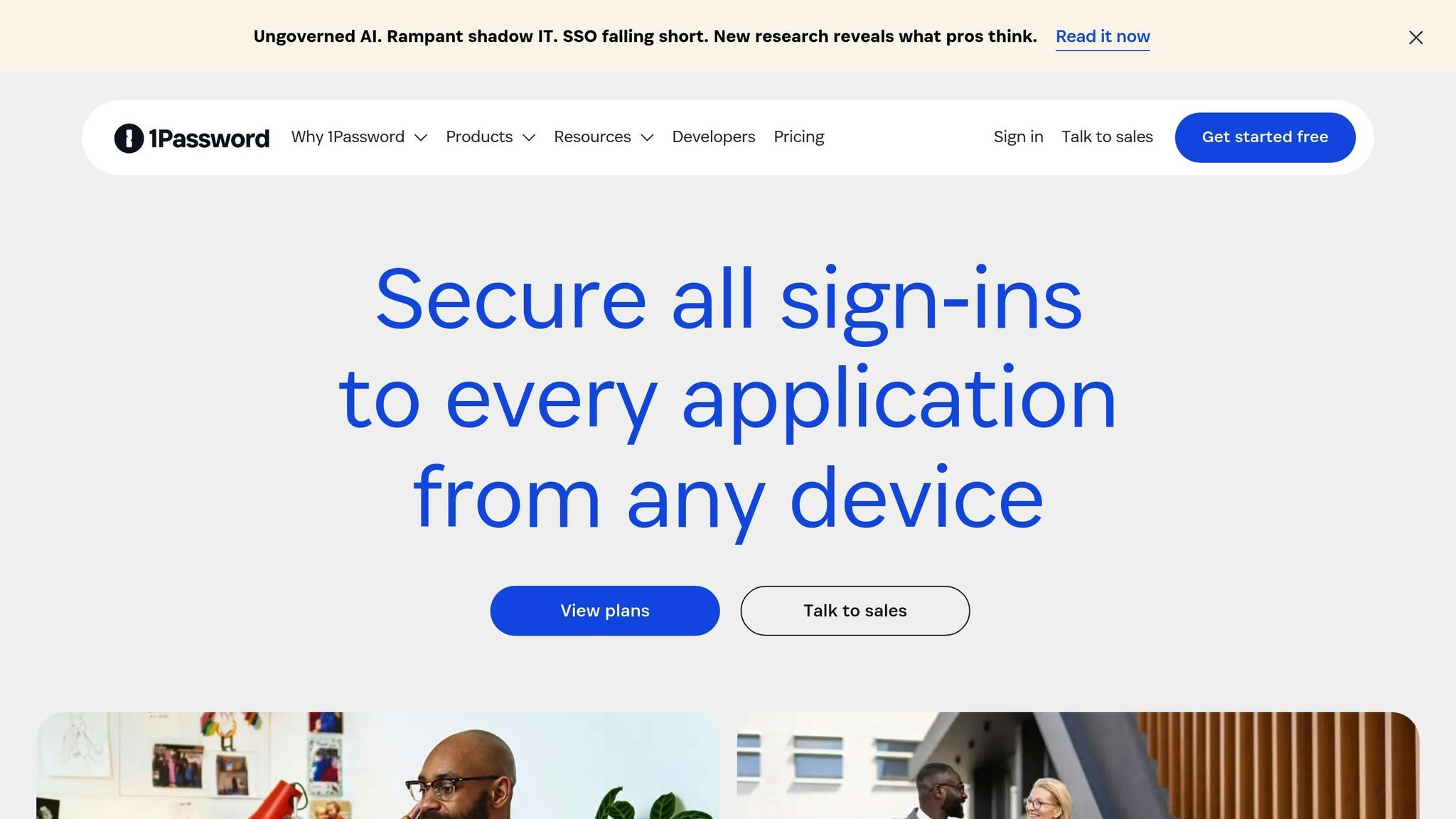
1Password offers a secure way to store recovery phrases, making it a reliable "Level 0" backup solution for safeguarding wallet access with minimal setup.
Security features (encryption, access control)
1Password employs end-to-end encryption to protect your data, whether it's stored or in transit. As Candace Ramirez from 1Password explains:
"1Password is end-to-end encrypted, so your data is always protected, even in transit. The only way to unlock your passwords is with keys that only you have - your Master Password and Secret Key."
The platform's dual-key system combines your Master Password with a system-generated Secret Key, ensuring only you can access your stored information. Thanks to its zero-knowledge architecture, 1Password itself has no access to your recovery phrases or other sensitive data.
For securely sharing recovery phrases, 1Password includes a feature called "Psst!", which generates encrypted links. These links can be set to expire after one view or a specific time frame and can even restrict access to certain email addresses. For additional control, business users can use audit logs to monitor link activity and revoke access if necessary.
Ease of use for both beginners and advanced users
The app's interface is user-friendly across all major platforms, including Mac, iOS, Windows, Android, and Linux. Beginners can quickly save their recovery phrases as Secure Notes and retrieve them on any device. Plus, the sharing feature works seamlessly - even if the recipient doesn't have a 1Password account, they can access the information through the encrypted link.
Advanced users, on the other hand, can take advantage of features like organizing recovery phrases into separate vaults with customizable permissions. For example, you could allow a family member to have view-only access while maintaining full control yourself.
Compatibility with recovery phrase formats
1Password supports standard recovery phrase formats, such as 12- to 24-word phrases, which can be securely stored as encrypted Secure Notes. Trust Wallet even recommends 1Password as a dependable digital tool for protecting these phrases. With automatic syncing across devices, you’ll always have access to your recovery phrases when you need them.
2. LastPass
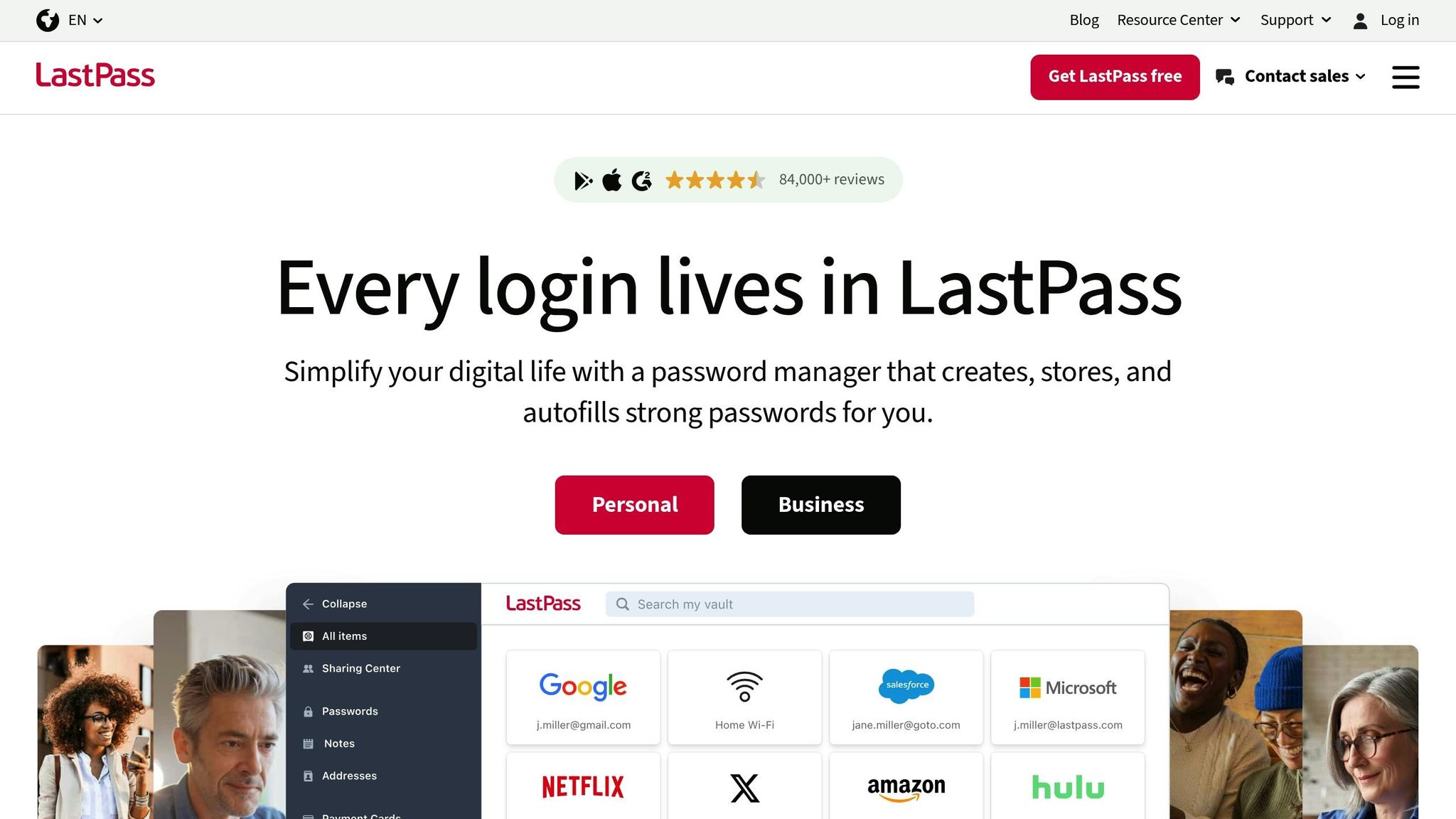
LastPass allows users to store recovery phrases securely in Secure Notes, protected by AES-256 encryption and a zero-knowledge model, ensuring maximum privacy for your sensitive information.
Security Features (Encryption and Access Control)
With LastPass, all encryption happens directly on your device. This means that your master password and stored recovery phrases are never accessible to LastPass itself. To further safeguard your account, you can enable multi-factor authentication (MFA) using fingerprint scans or authentication apps, significantly reducing the risk of unauthorized access.
The platform also includes a Sharing Center, which gives you complete control over shared credentials. Recipients can access encrypted information without viewing it in plain text, and you can revoke their access whenever necessary.
Another standout feature is Emergency Access, which lets you designate trusted contacts who can request access to your vault if you become unavailable.
Ease of Use for Beginners and Advanced Users
LastPass combines strong security with a user-friendly design, making it suitable for everyone - from beginners to advanced users. New users can easily store recovery phrases as Secure Notes, with automatic syncing across all devices for seamless access. For those with more advanced needs, features like shared folders with customizable permissions allow for efficient management of complex sharing scenarios, whether for teams or families.
Compatibility with Recovery Phrase Formats
LastPass supports standard recovery phrases, including 12- to 24-word formats, which can be securely stored as text in Secure Notes. However, it’s important to note that major cryptocurrency wallet providers like Ledger and MetaMask strongly recommend keeping recovery phrases offline and warn against storing them in internet-connected password managers. BitPay echoes this advice, identifying LastPass as an "internet-connected password saver" that should not be used for seed phrase storage.
If you decide to store recovery phrases in LastPass, take precautions by enabling MFA and regularly reviewing access permissions through the Sharing Center. This approach helps balance convenience with security, ensuring your recovery phrases remain both accessible and protected.
3. Bitwarden
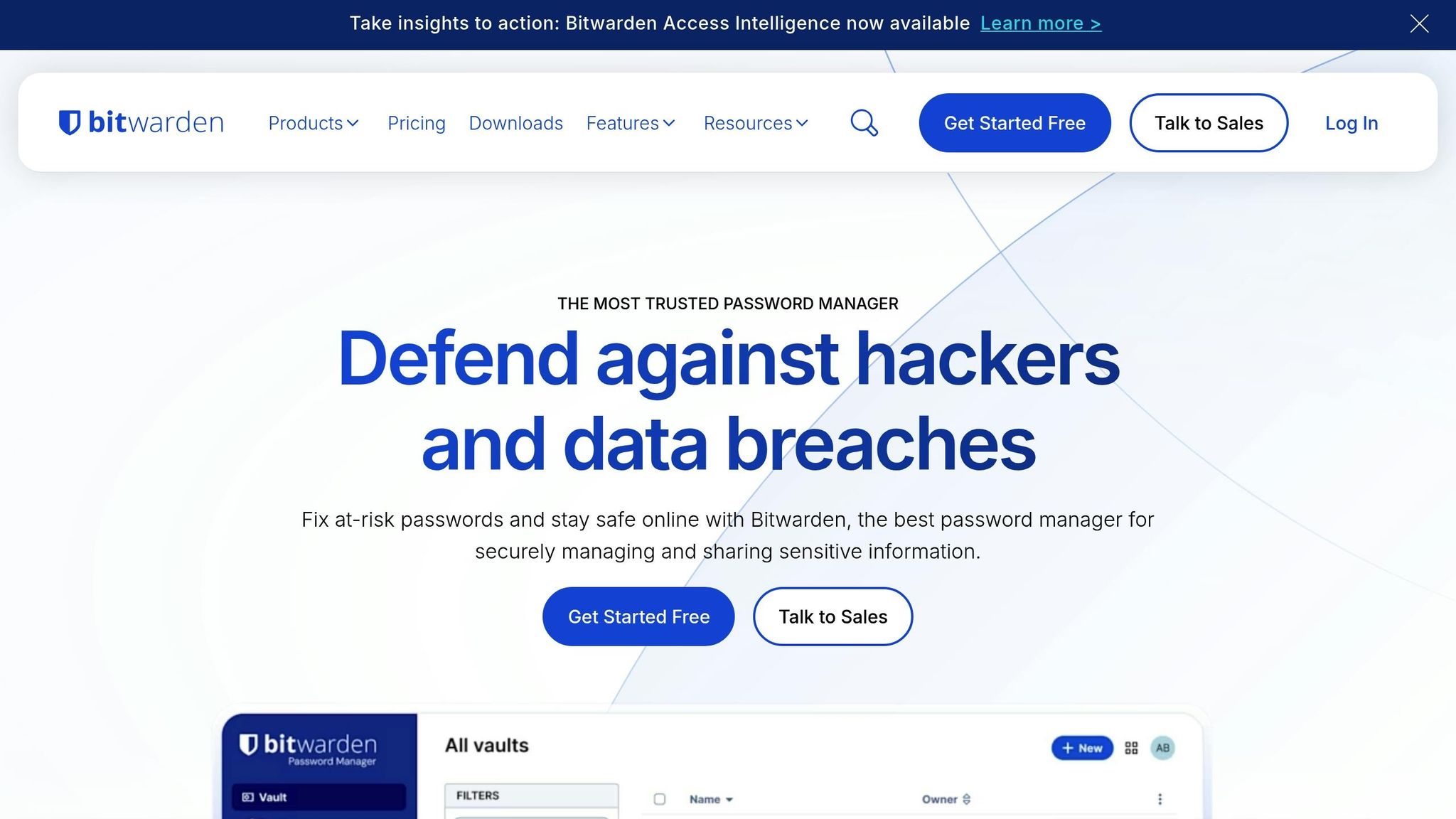
Bitwarden is a solid choice for storing recovery phrases, offering strong security measures and affordability. The platform uses AES-CBC 256-bit encryption combined with HMAC authentication, ensuring that all encryption takes place locally on your device before any data is transmitted. Its zero-knowledge model ensures that only you have access to your encryption keys.
Security Features (Encryption and Access Control)
To protect against brute-force attacks, Bitwarden employs PBKDF2 SHA-256 with 600,000 iterations or Argon2id. It also supports multiple two-factor authentication (2FA) methods, including FIDO2 WebAuthn security keys, Duo, and authenticator apps.
One standout feature is Bitwarden Send, which simplifies secure sharing of recovery phrases. Unlike email, which often lacks end-to-end encryption, Bitwarden Send fully encrypts shared data and gives you detailed control. You can set password protection, one-time access, and expiration timers for any shared information.
Now let’s see how Bitwarden caters to both beginners and advanced users.
Ease of Use for Beginners and Advanced Users
Bitwarden works across a variety of platforms, including web browsers, mobile devices, desktop applications, browser extensions, and even a command-line interface (CLI). For beginners, features like biometric unlock reduce the need to repeatedly enter a master password.
"The password sharing feature with the organization and the 'Send' feature are the features of Bitwarden that make it an easy-to-use tool for both team members and non-registered people who do not use the platform." - Verified User, Telecommunications
For advanced users, Bitwarden offers the option to self-host the server on personal infrastructure, giving them full control over their data. The platform has consistently been ranked #1 in the Enterprise User Satisfaction category of the G2 Enterprise Grid Report for 11 consecutive quarters.
Compatibility with Recovery Phrase Formats
Recovery phrases can be stored as Secure Notes within Bitwarden’s vault, which supports standard 12- to 24-word BIP-39 formats. With Bitwarden Send, you can securely share up to 1,000 characters of encrypted text, making it ideal for most recovery phrases. Premium users, for just $10 annually, can also attach encrypted files up to 1 GB, offering flexibility for different backup formats.
It’s always wise to pair these features with secure offline backups for added safety.
Backup and Redundancy Options
Bitwarden includes Emergency Access, a feature that allows you to designate trusted contacts who can request access to your vault if you’re unavailable. This process uses asymmetric encryption, preserving the zero-knowledge model while providing a safety net for family members or heirs.
For offline backups, you can export your entire vault in an encrypted format. Bitwarden’s pricing is straightforward and accessible: the free plan supports unlimited devices and core features, while the Premium plan costs only $10 annually - less than $1 per month. Families can opt for a $40 annual plan ($3.33 per month), which supports up to six users with unlimited sharing.
4. Cryptosteel Capsule
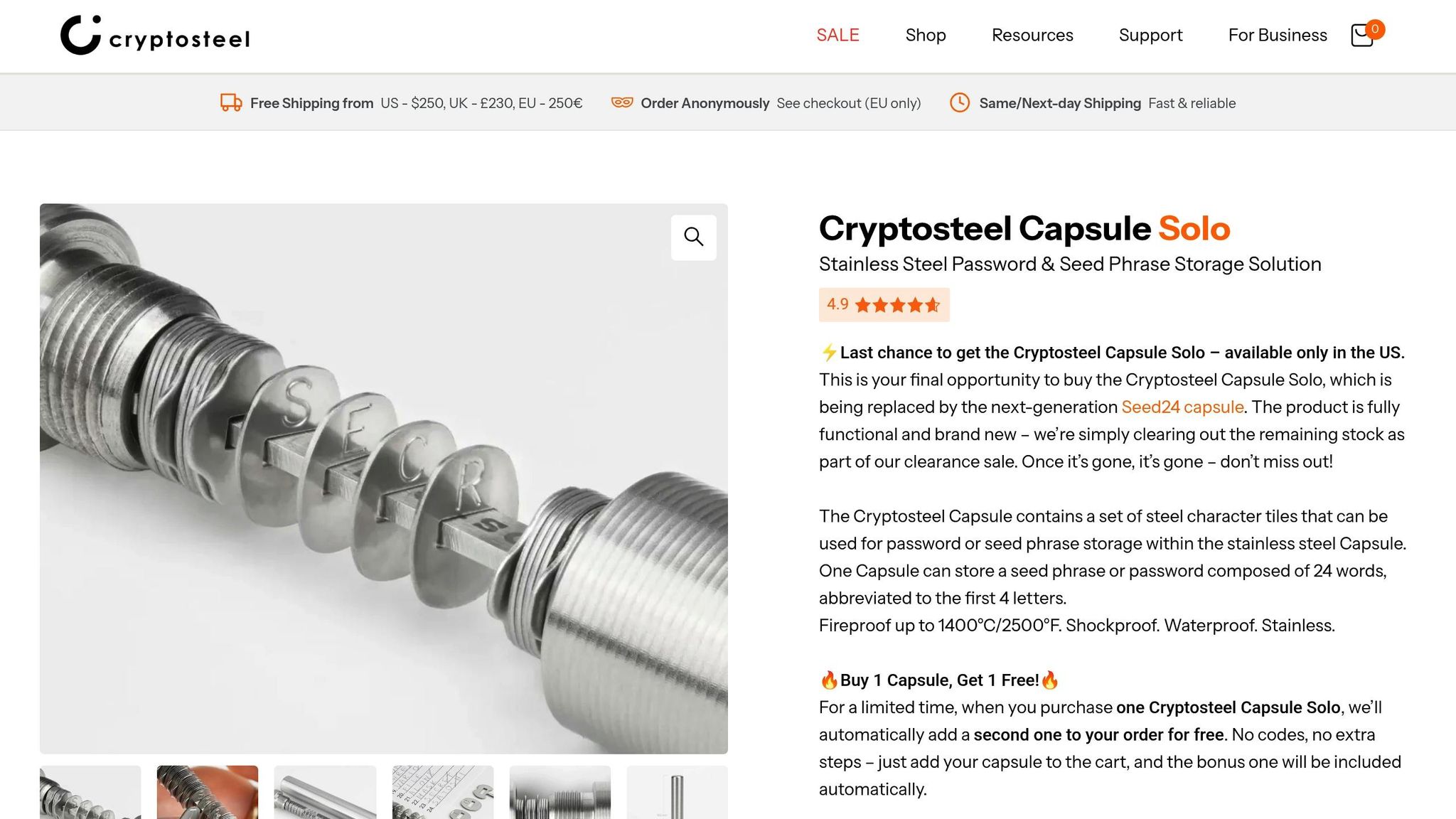
If you're looking for a reliable way to secure your recovery phrases offline, the Cryptosteel Capsule is a solid choice. Made from stainless steel, this device is built to withstand both digital threats and harsh physical conditions like fire, water, and corrosion.
Security Features
The Cryptosteel Capsule offers a level of physical protection that complements digital security measures. Constructed from stainless steel, it’s designed to endure extreme conditions. It’s fireproof, waterproof, corrosion-resistant, and can handle shocks and impacts. When sealed, its threaded cap creates an airtight barrier and can withstand up to 150,000N (around 33,700 lbf) of pressure.
"These metal backup devices are practically indestructible – they're fireproof, waterproof, and impervious to mechanical damage." – Cryptosteel
By keeping your recovery phrase completely offline, the Capsule eliminates risks like hacking or digital surveillance. The deeply stamped stainless steel tiles ensure your data remains readable for years, unlike paper or digital backups that can degrade. Its unbranded, discreet design also helps avoid drawing unwanted attention.
Easy to Use for All Skill Levels
The Cryptosteel Capsule is straightforward to set up and doesn’t require any special tools. Just slide the pre-engraved tiles onto the core, secure them with the fastener, and screw on the cap - it’s that simple.
"Every Cryptosteel product is a complete set that allows to create a recovery seed phrase backup for your wallet in as little as 10 minutes, without additional tools or technical expertise." – Cryptosteel
Beginners can store full words for 12-word recovery phrases, while advanced users can configure more complex setups like 24-word BIP39 phrases or Shamir Backup (SLIP39) systems using 4-letter abbreviations. The included tile set even supports all 96 printable ASCII characters, making it ideal for hexadecimal strings and other advanced formats.
Broad Compatibility with Recovery Formats
The Capsule works seamlessly with a variety of recovery phrase and key generation algorithms, including BIP39, SLIP39 (Shamir Backup), BIP32 root keys, WIF private keys, and Monero mnemonic seeds. It can store up to 123 characters. For longer phrases, only the first four letters of each word are used, following the industry standard for BIP39 and SLIP39, as these abbreviations uniquely identify each word from the 2,048-word list.
| Feature | Specification |
|---|---|
| Material | Stainless Steel |
| Max Character Capacity | 123 characters |
| Pressure Resistance | 150,000N (approximately 33,700 lbf) |
| Compatible Formats | BIP39, SLIP39, BIP32, WIF, Monero, Hex, ASCII |
| Environmental Resistance | Fire, Water, Corrosion, Shocks, Impact |
This versatility ensures that the Capsule can adapt to a range of security needs.
Backup and Redundancy Options
For extra security, advanced users can use Shamir Backup to split their master seed into multiple shares (e.g., 2-of-3 or 3-of-5 setups). This approach reduces the risk of losing access due to a single point of failure. To further protect your recovery data, consider storing each Capsule in separate, secure locations - such as your home, office, or a safe deposit box.
When you need to access your backup, simply unscrew the cap and slide out the tiles from the core. This simple process ensures your data is both secure and accessible when needed.
sbb-itb-0796ce6
5. Trezor Model T (with Shamir Backup)
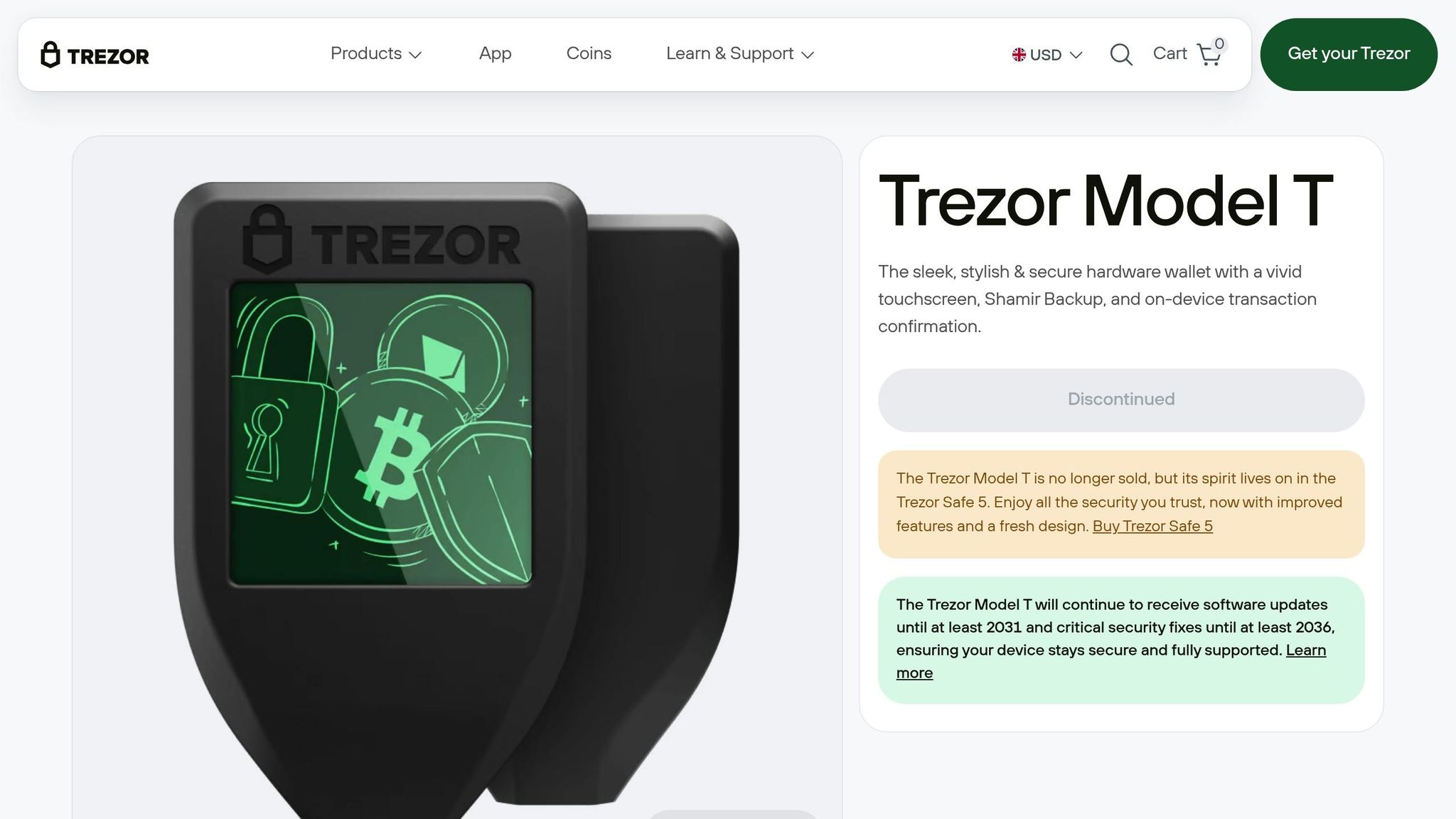
The Trezor Model T was a trailblazer in hardware wallets, being the first to adopt the SLIP39 (Shamir Backup) standard. This introduced a fresh way to secure recovery phrases. Instead of relying on a single 12-, 18-, or 24-word seed phrase - which poses a single point of failure - Shamir Backup divides your master secret into multiple unique shares (up to 16 in total).
Security Features
The standout feature of Shamir Backup is its threshold-based security. You can decide how many shares are needed to recover your wallet, such as a 2-of-3 or 3-of-5 scheme. Importantly, having fewer than the required number of shares reveals nothing about the master secret. As SatoshiLabs explains:
"Shamir's secret sharing scheme is so great is that the knowledge of fewer than the required number of shares does not leak any information about the shared secret whatsoever."
The Model T ensures your sensitive recovery shares stay secure by allowing you to enter them directly on its 1.54-inch color LCD touchscreen (240 × 240 pixels). It also supports up to 50-digit PINs and erases all data after 16 incorrect attempts. Additionally, the Reed-Solomon checksum reduces the chance of missing an error to 1-in-a-billion - far better than the 1-in-16 chance typical of standard BIP39 backups.
Ease of Use for Both Beginners and Advanced Users
Shamir Backup is designed to work for everyone, from beginners to experienced users. Its SLIP39 word list includes 1,024 words (like "satoshi"), each with a unique four-letter prefix that makes T9 keyboard entry smooth and error-resistant. To help organize shares, the first two words of every share act as identifiers for grouping them from the same backup.
For beginners, a 2-of-3 or 3-of-5 scheme strikes a balance between security and simplicity. Advanced users can go further by using staggered recovery - entering shares one at a time in different sessions or locations - ensuring that all shares are never in one place. For those needing even more complex setups, the device supports "Super Shamir" multi-level schemes, offering group-specific thresholds.
Compatibility with Recovery Phrase Formats
Shamir recovery shares come in two formats: 20 words for 128-bit strength or 33 words for 256-bit strength. Although SLIP39 is a standard pioneered by Trezor, it’s compatible with various software wallets, giving users added flexibility.
| Feature | Single Seed (BIP39) | Shamir Backup (SLIP39) |
|---|---|---|
| Word Length | 12, 18, or 24 words | 20 or 33 words |
| Redundancy | None (single point of failure) | Configurable (e.g., 2-of-3 allows one share loss) |
| Checksum Strength | 1-in-16 chance of error | 1-in-a-billion chance of error |
| Theft Resistance | Complete loss if seed is stolen | No information leaked if shares are below threshold |
Backup and Redundancy Options
One of the key advantages of Shamir Backup is eliminating the single point of failure. Losing one share doesn’t jeopardize your funds, provided the remaining shares meet the recovery threshold. To maximize security, distribute your shares across multiple secure locations.
The "Check Backup" feature allows you to verify each share before transferring funds. While the Trezor Model T was discontinued in 2024 in favor of the Trezor Safe 5, existing devices will continue receiving updates until 2031 and security patches until 2036.
Important: Always back up your wallet passphrase separately, as it isn’t included in the recovery shares.
6. Kryptonim
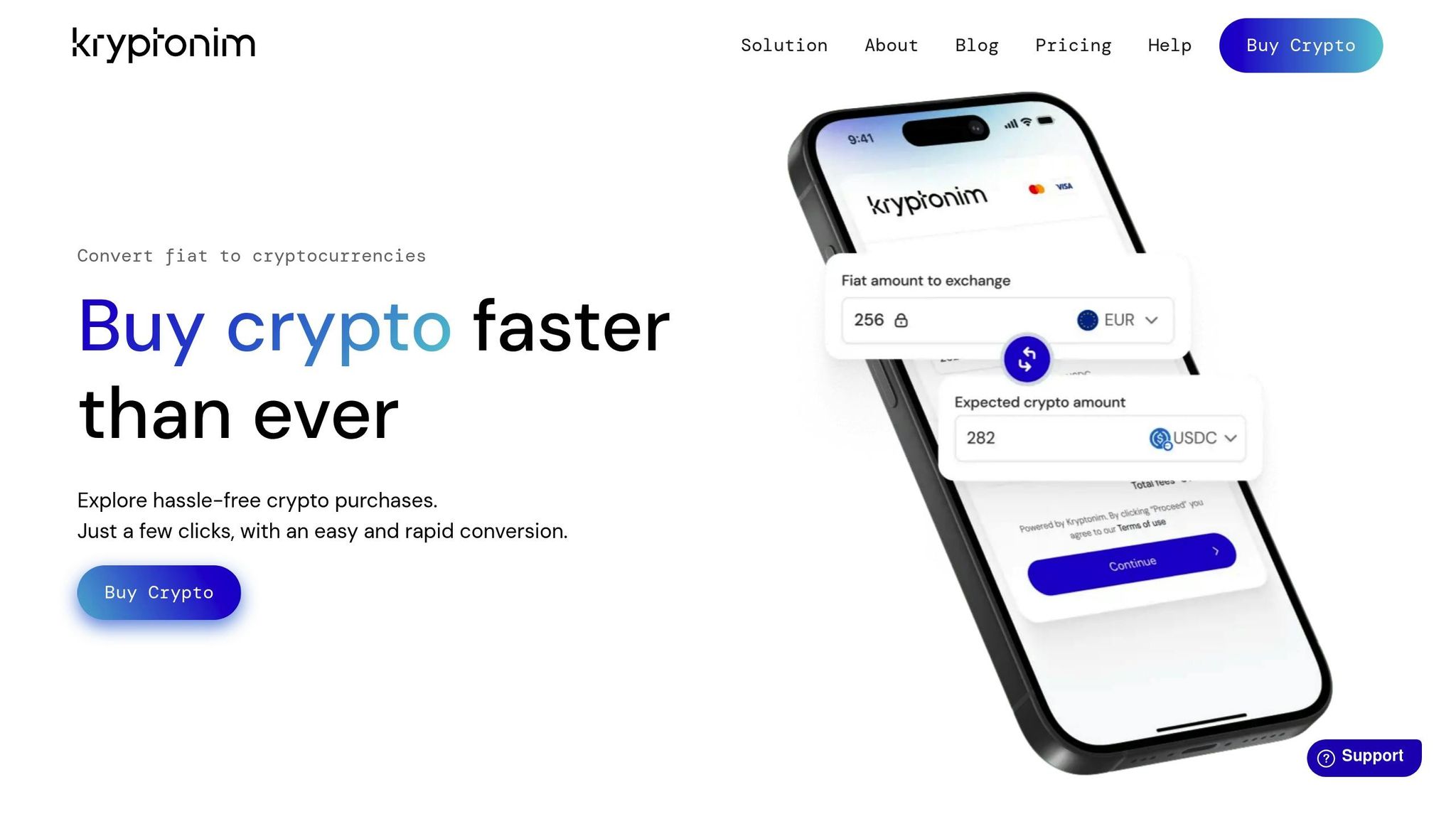
Kryptonim is a secure platform designed for cryptocurrency purchases, operating under strict EU regulations. What sets it apart? You can buy crypto without creating an account, significantly reducing your exposure to hacking risks and keeping your digital footprint to a minimum when setting up or funding wallets securely.
Thanks to its adherence to EU data protection standards, Kryptonim ensures a high level of privacy while offering competitive transaction fees - 2% for users within the EU and 4% for those outside the region. Its focus on minimal data collection also simplifies emergency planning, making it easier to grant secure access to trusted individuals if needed. This privacy-first approach creates a smooth and secure user experience.
Kryptonim’s intuitive interface allows users to complete fiat-to-crypto transactions quickly. By eliminating the need for extensive personal information, the platform reduces unnecessary digital trails, making the process both fast and discreet.
While Kryptonim doesn’t directly handle recovery phrases, its secure purchasing process aligns perfectly with other wallet security measures, enhancing overall protection. When paired with reliable recovery phrase management tools, Kryptonim becomes a key part of a well-rounded security strategy.
7. Signal (for Encrypted Sharing)
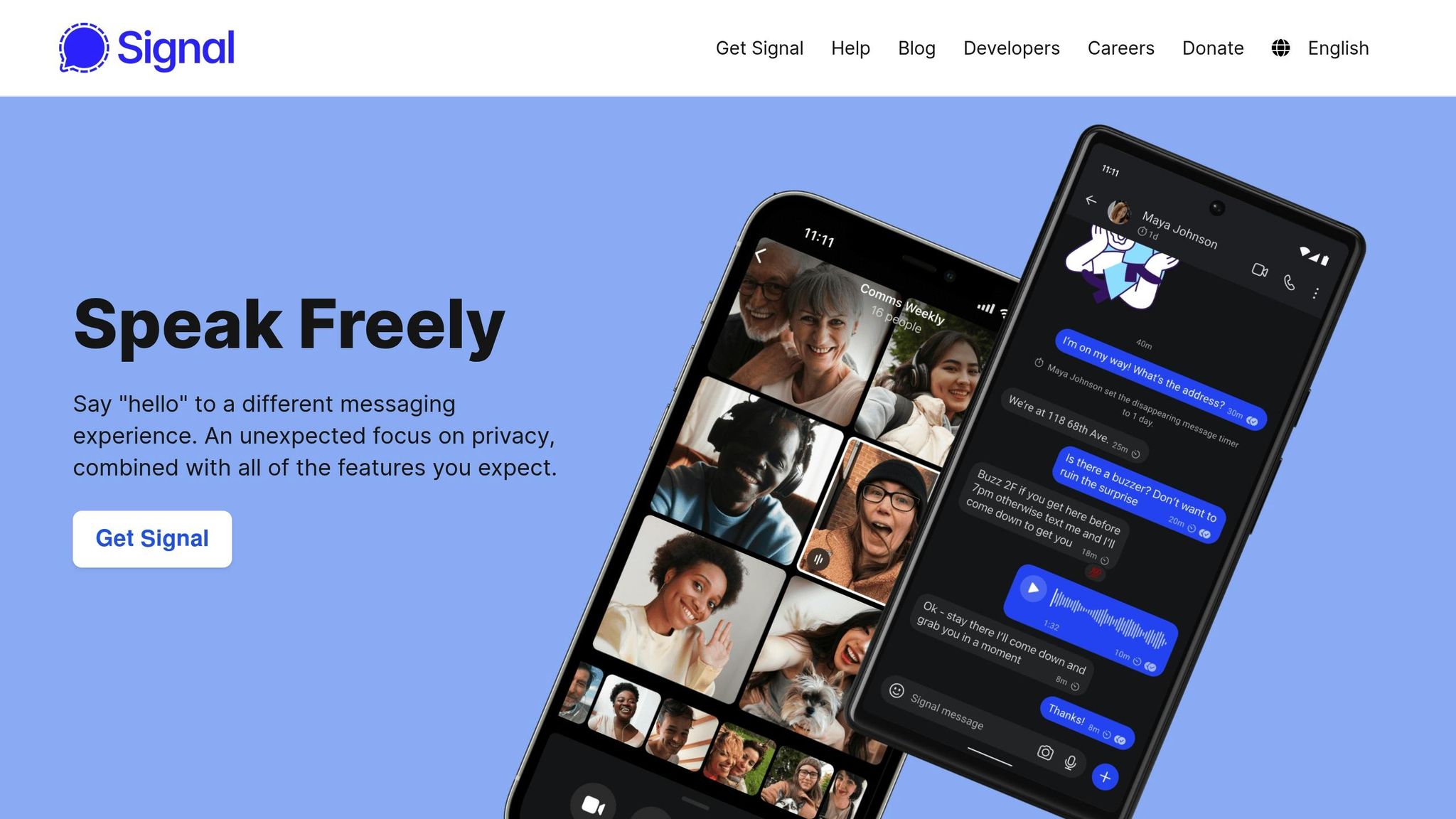
Signal is a messaging app designed with end-to-end encryption at its core, making it a strong choice for securely sharing recovery phrases online. Unlike many standard messaging platforms, Signal ensures that only you and your intended recipient can see your messages - not even Signal's developers have access. This makes it a safer option for transmitting sensitive information.
Security Features
Signal employs the Signal Protocol to encrypt all messages and files, offering a high level of protection during transmission. As one expert pointed out, many messaging apps lack the robust security measures found in dedicated password managers. While Signal's encryption is reliable, it’s worth noting that it isn't specifically designed for sharing highly sensitive credentials like recovery phrases.
That said, once the recovery phrase is delivered, its security depends on the recipient's device. If their device is compromised or synced to unencrypted cloud services, the phrase could still be at risk. Signal helps mitigate this with features like disappearing messages, which automatically delete content after a set time.
Ease of Use
Signal’s interface is straightforward, making it easy to send recovery phrases. You can simply paste the phrase into a chat, but it's essential to confirm the recipient's identity through another method - such as a quick phone call - before sharing any sensitive details. Signal also offers features like "view once" messages and self-destructing content, which limit how long sensitive information remains accessible.
This simplicity extends to handling different recovery phrase formats, ensuring secure sharing without unnecessary hassle.
Compatibility with Recovery Phrase Formats
Signal supports both text and file attachments, allowing you to share recovery phrases in various formats, whether it’s a 12-word, 18-word, or 24-word sequence. To maximize security, disable cloud sync and automatic backups (such as iCloud or Google Drive) when using Signal to share sensitive information. As Trust Wallet reminds users:
"Your recovery phrase is private... Anyone who has it has full access to your funds" - Trust Wallet.
Conclusion
Safeguarding your recovery phrase is not a one-size-fits-all situation. The best method depends on factors like the amount of cryptocurrency you own, your comfort with technology, and whether you're more concerned about cyber threats or physical damage.
Using the strategies mentioned earlier, align your security measures with the value of your holdings. For smaller amounts, encrypted password managers like 1Password or Bitwarden provide convenient protection. If you're securing larger holdings or planning for long-term storage, metal backups like the Cryptosteel Capsule offer better resistance to fire and water compared to paper backups. For high-value assets, consider advanced solutions like Shamir Backup or multisig setups, which reduce single points of failure - though these require more technical expertise.
Avoid storing your recovery phrase in plain text, taking screenshots, or saving it to cloud services like iCloud or Google Drive. These methods expose you to serious risks. Always maintain at least two backups in separate, secure locations for added safety.
Before relying on your backup, test it with a small transaction and simulate the full recovery process. This ensures everything works as intended and prevents costly mistakes. Additionally, create a legacy plan so your family can access your assets if needed. Integrating legacy planning with your security measures ensures comprehensive protection. As Unchained aptly puts it:
"In bitcoin, there is no one to call. There is no bank or government to bail you out. If your software or hardware wallet and seed phrase backups are lost, stolen, or destroyed, your bitcoin is likely gone forever."
Ultimately, the goal is to strike the right balance between security and accessibility - keeping your recovery phrase safe yet accessible when you need it most.
FAQs
What are the safest ways to share a recovery phrase securely?
To keep your recovery phrase secure, treat it with the same care as your most sensitive password. Avoid sharing it in plain text through email, messaging apps, or cloud storage. Similarly, don’t save it in screenshots or digital notes that others might access. Instead, encrypt the phrase using a strong method like AES-256 encryption, and share the decryption key separately - perhaps over a phone call or in person.
For extra security, you might split the phrase into several parts and store each part in a secure location, such as a safety deposit box or a fireproof safe. Another option is using techniques like Shamir’s secret-sharing to divide the phrase into recoverable pieces. Always keep at least two offline backups in different locations to ensure access in emergencies. By combining encryption, redundancy, and secure sharing methods, you can significantly reduce risks and safeguard your recovery phrase.
What is Shamir Backup, and how does it improve recovery phrase security?
Shamir Backup is a method designed to improve the security of recovery phrases by dividing them into several separate pieces, called shares. To restore your wallet, you only need a specific number of these shares - say, 3 out of 5. This setup ensures that even if one share gets lost or falls into the wrong hands, your recovery phrase stays protected, and you can still regain access to your wallet.
The beauty of this system lies in its added layer of protection. Since no single share contains enough information to reveal the recovery phrase, it significantly reduces the chances of theft, accidental loss, or unintended exposure.
Why is offline storage like Cryptosteel a good choice for protecting recovery phrases long-term?
When it comes to protecting your recovery phrases, offline storage solutions like Cryptosteel offer a reliable and secure option. These devices keep your sensitive information entirely offline, removing any risk of online hacking. Plus, they’re designed to endure harsh conditions - whether it’s fire, water, or physical damage - ensuring your recovery phrase stays safe and intact over the long haul.
Made from tough, tamper-resistant materials, tools like Cryptosteel give you confidence in your cryptocurrency security, even when facing unexpected challenges.